

Everyday life
Turn print into a note
A teacher hands out a printed reading list. Add the words to a Smart Note so you can check and edit them on your iPhone.
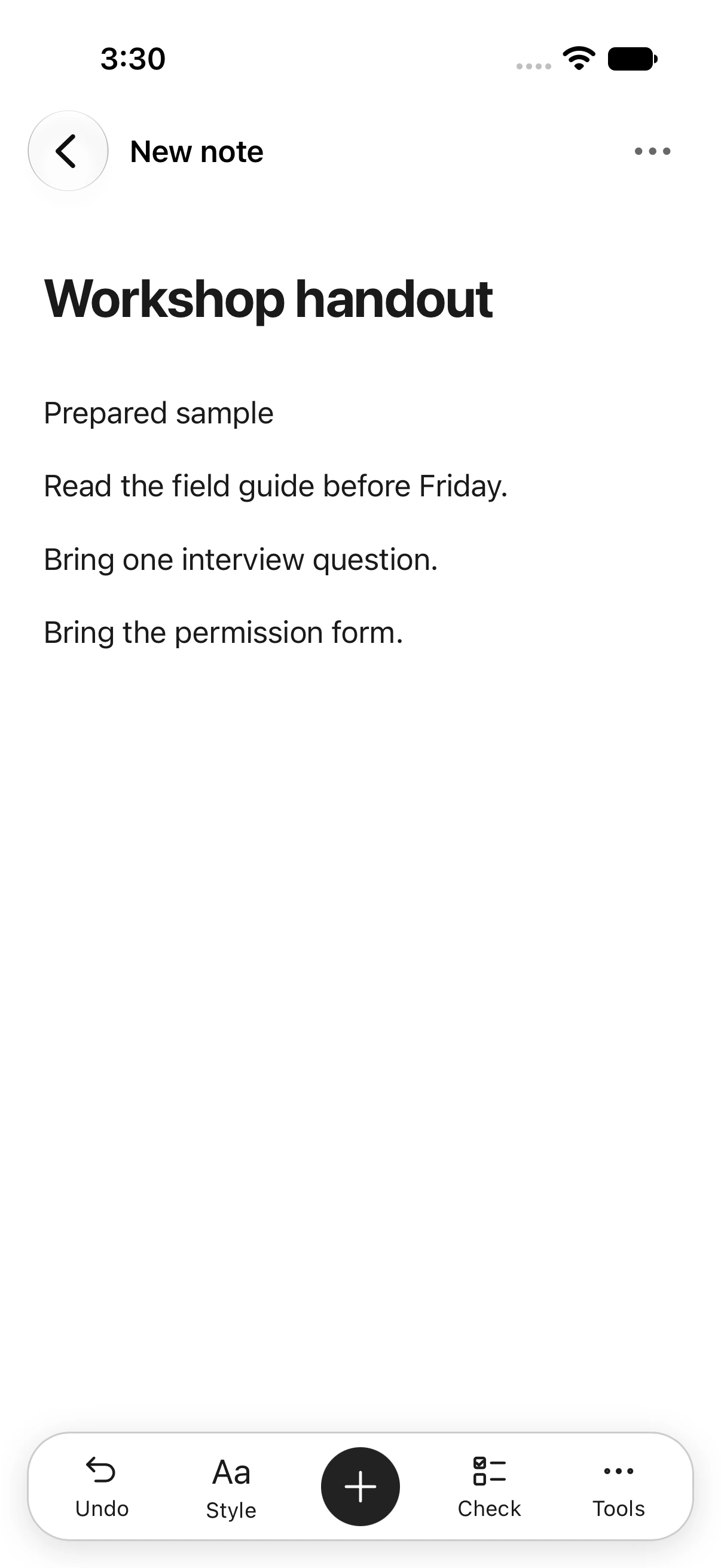
Before and after
Before
- You need to find the reading list later.
- Room numbers, dates, and names need a second look after scanning.
After An editable copy of the handout
- The note contains searchable text.
- You can correct the words and add your own reminders.
Step by step
How Spillit solves it
Keep scrolling. The screen and the guide follow you.Swipe or tap the screen, or keep scrolling.
Step 1 of 4
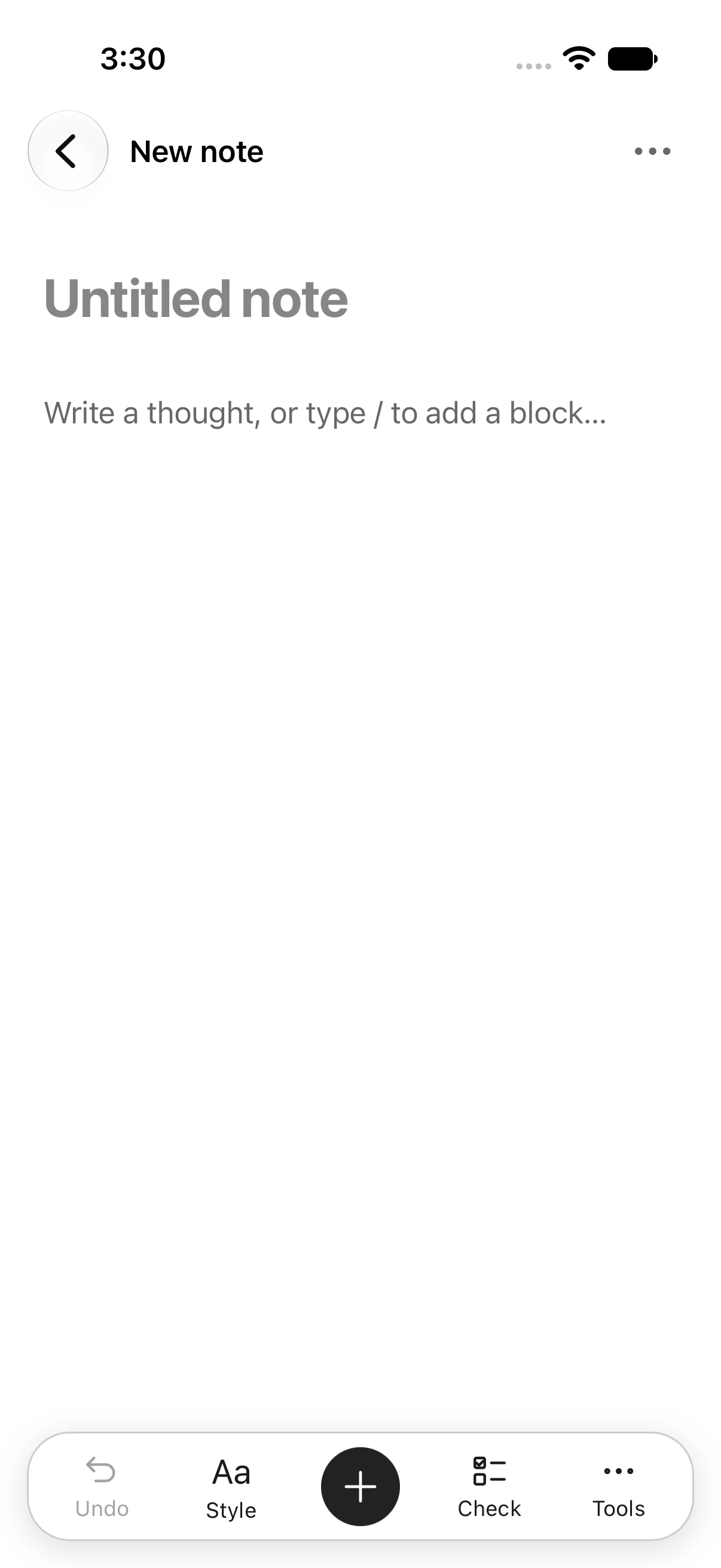
Open a Smart Note
Open Notes and start a note for the workshop handout. You can also choose Continue writing to return to a note.
Step 2 of 4
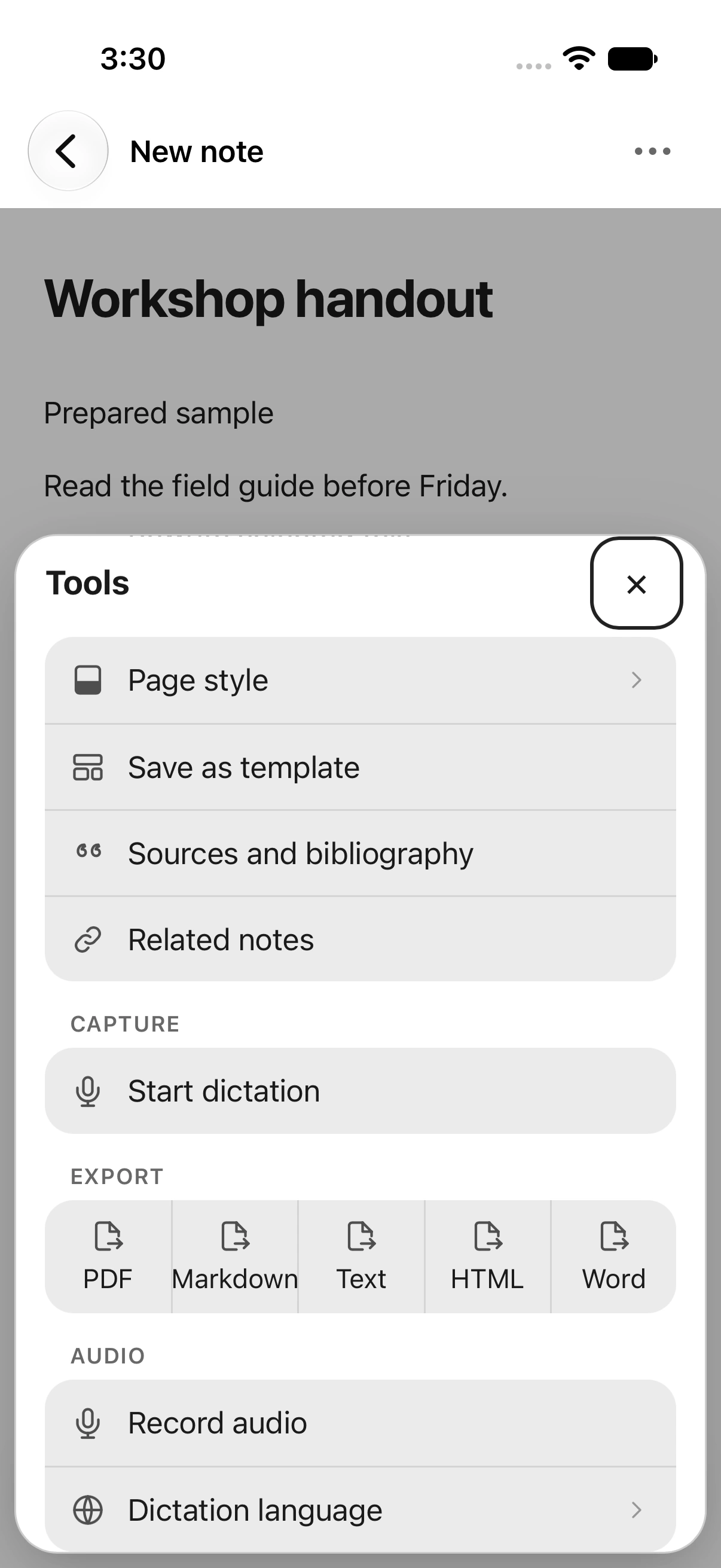
Find Scan text in Tools
Open Tools and scroll to Capture. On an iPhone with a supported camera, choose Scan text and point it at the words you want to insert.
Step 3 of 4
Check the words in the note
Compare names, dates, and other details with the page. This prepared handout example shows how the text looks once it is editable.
Step 4 of 4
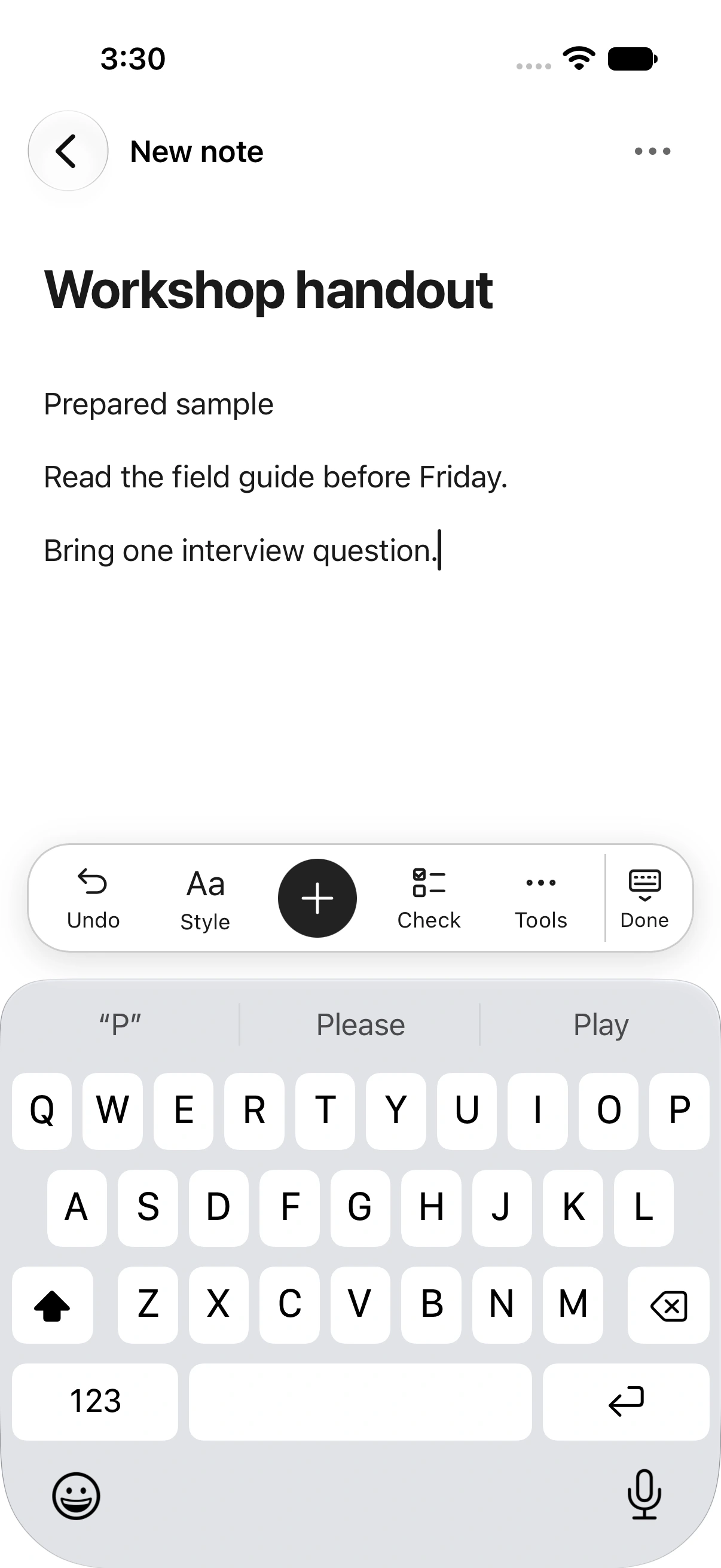
Add a reminder to the editable note
Type a reminder beside the handout text. The prepared sample now includes Bring the permission form.