

Meetings
Review the meeting.
Choose the follow-ups.
Review the transcript, correct follow-up owners and dates, then keep the tasks and project decisions you choose.
Keep the follow-ups you choose
Swipe or use arrow keys to explore the window.
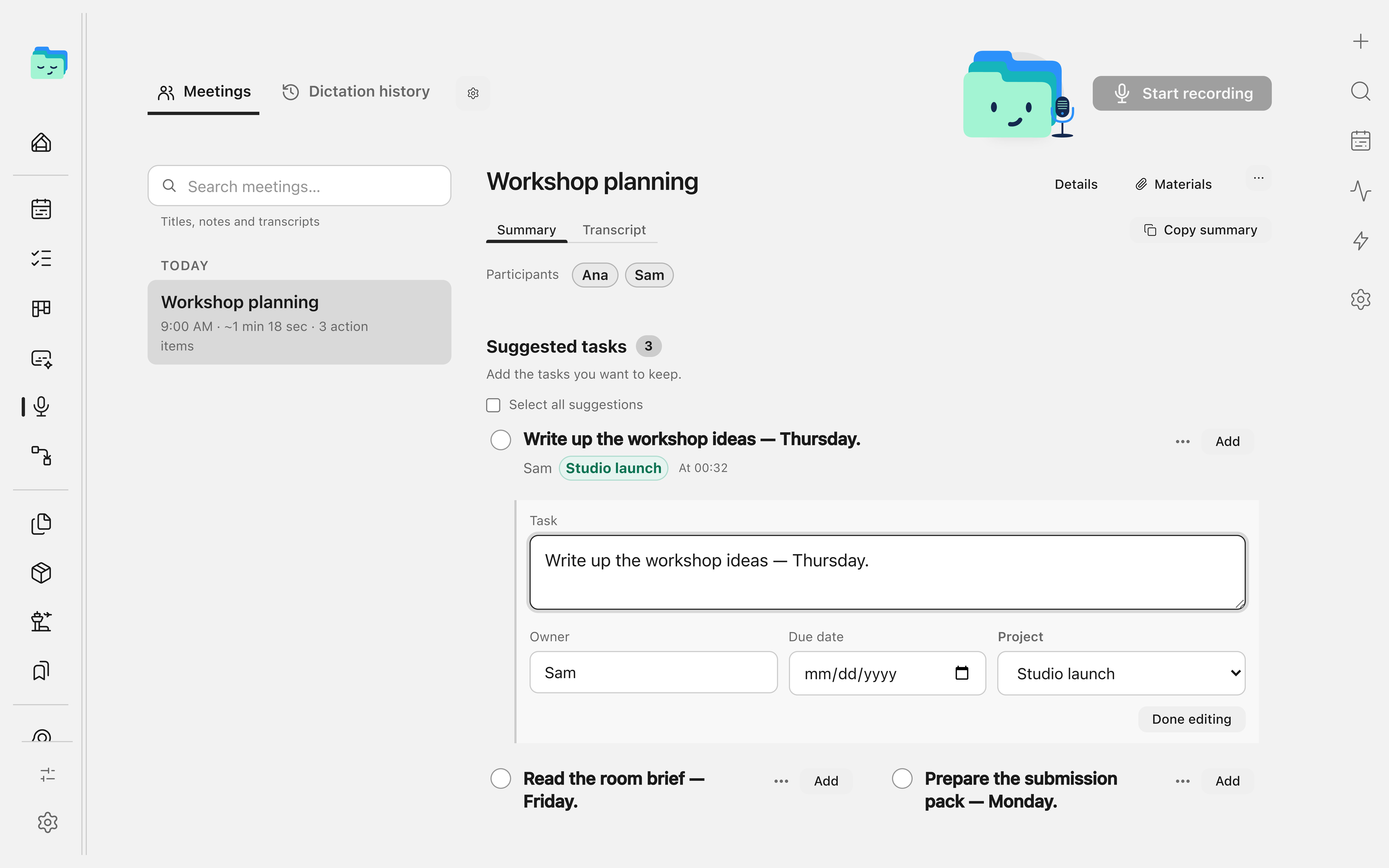
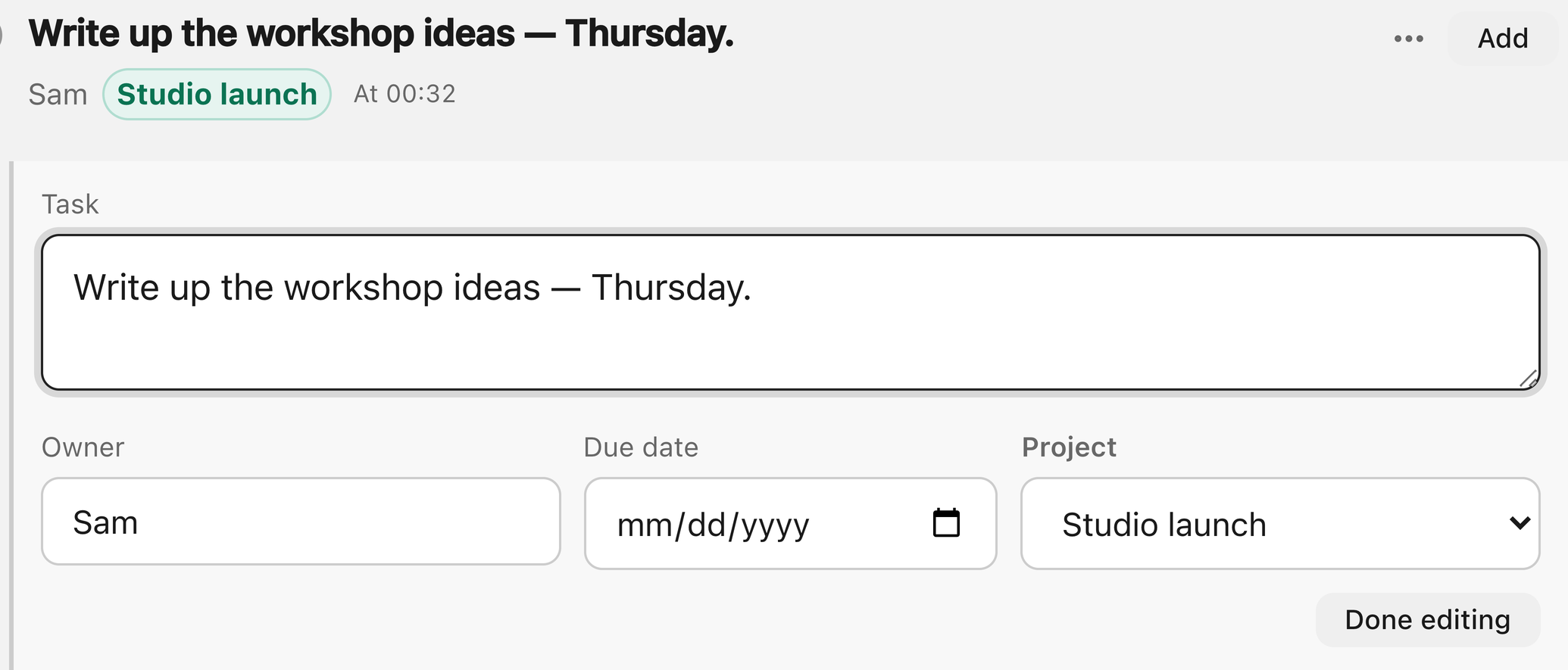
Review suggested tasks with their owners, dates, and transcript sources. Add the ones you want to keep in Tasks.
- Edit titles, owners, and dates
- Choose individual follow-ups
- Add selected tasks
- Open their transcript source
Keep the meaning with its source
Swipe or use arrow keys to explore the window.
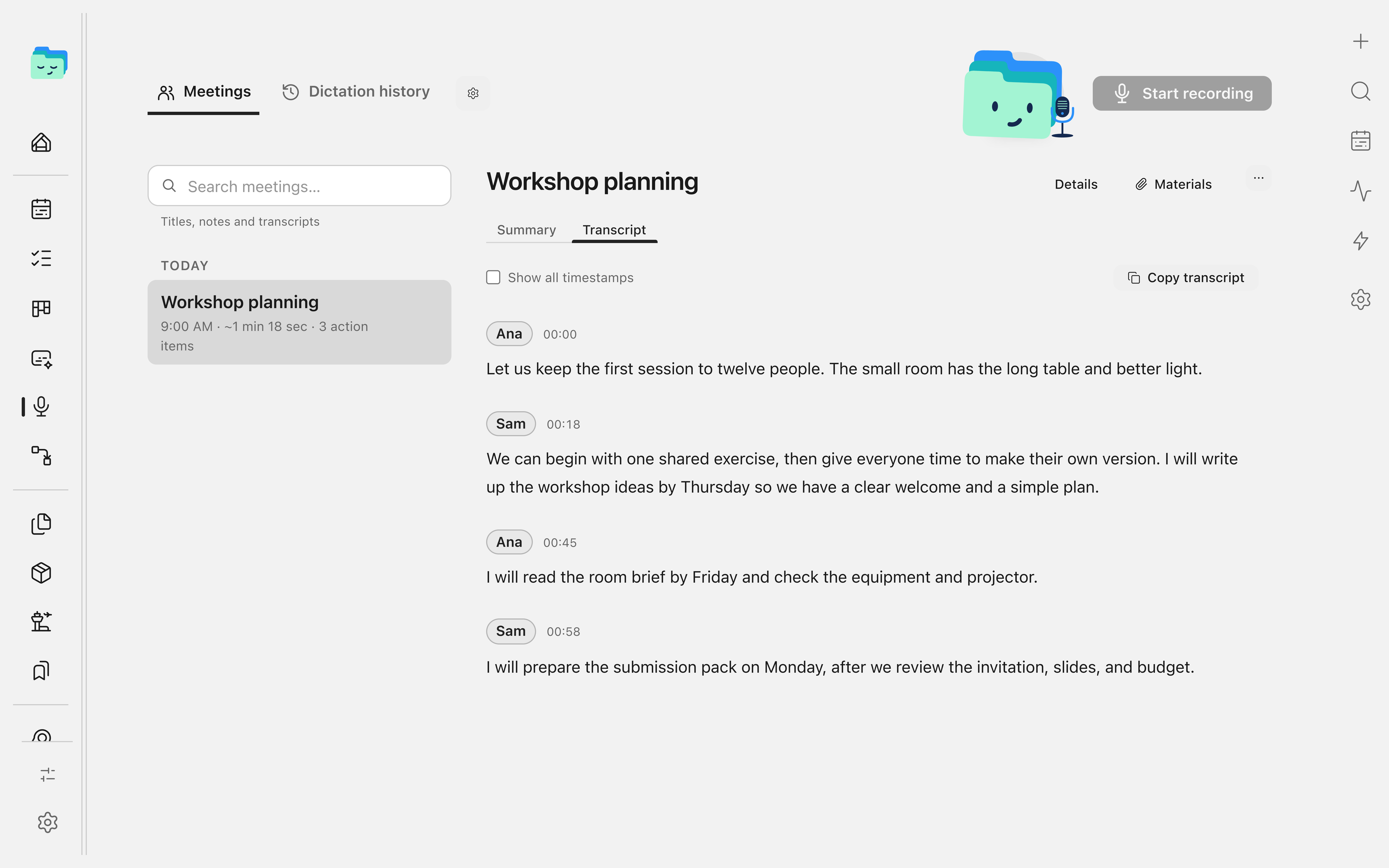
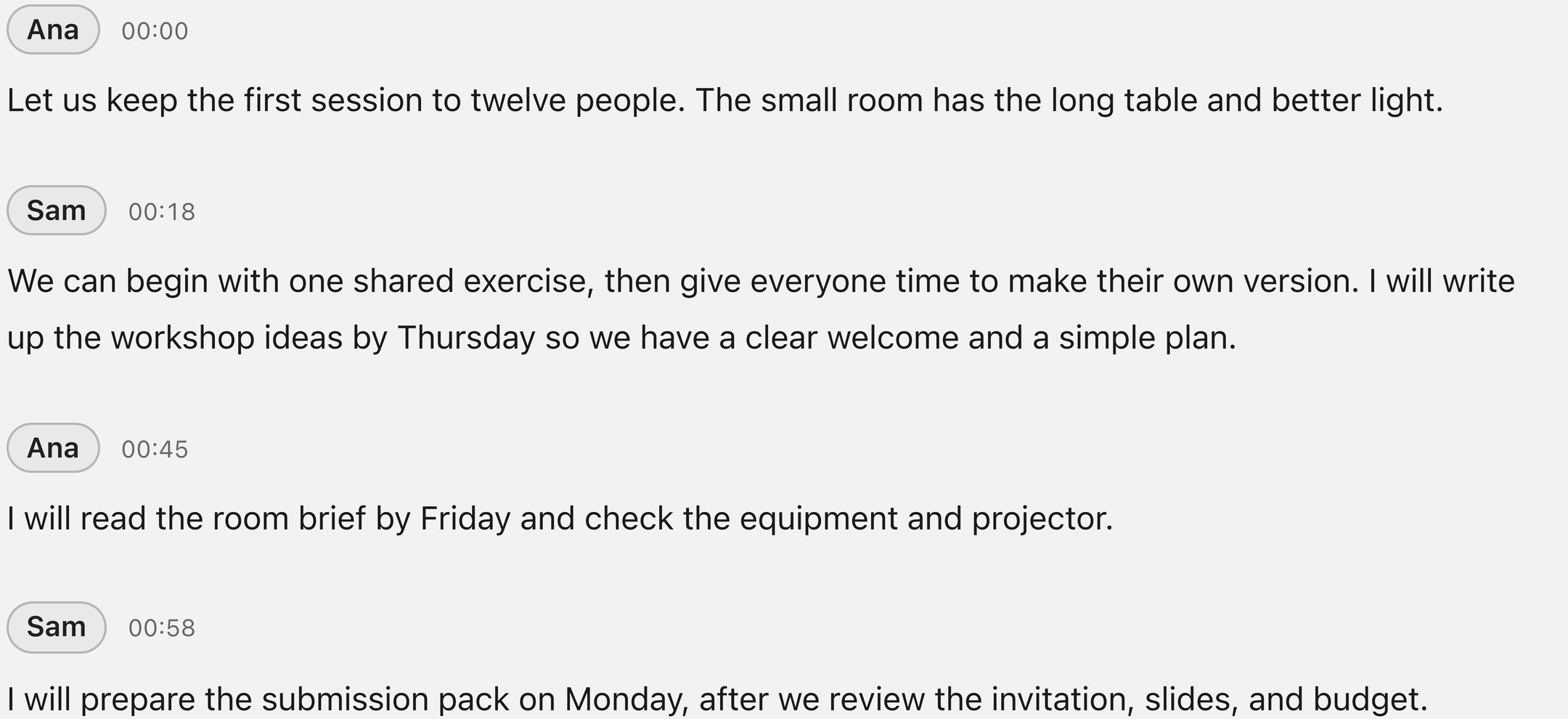
Check speakers and timestamps. Attach material to a meeting moment, then save reviewed decisions or risks into its project.
- Check a transcript timestamp
- Attach files and saved pages
- Save a decision to Projects
- Keep a risk and its owner
You choose which follow-ups become tasks. Call audio requires macOS 13 or later.
Details and compatibility
More app views
Keep the follow-ups you choose.
Swipe or use arrow keys to explore the window.
Choose what becomes a task
The suggestion stays editable. Check the owner, due date, project, and transcript timestamp before adding it to Tasks.
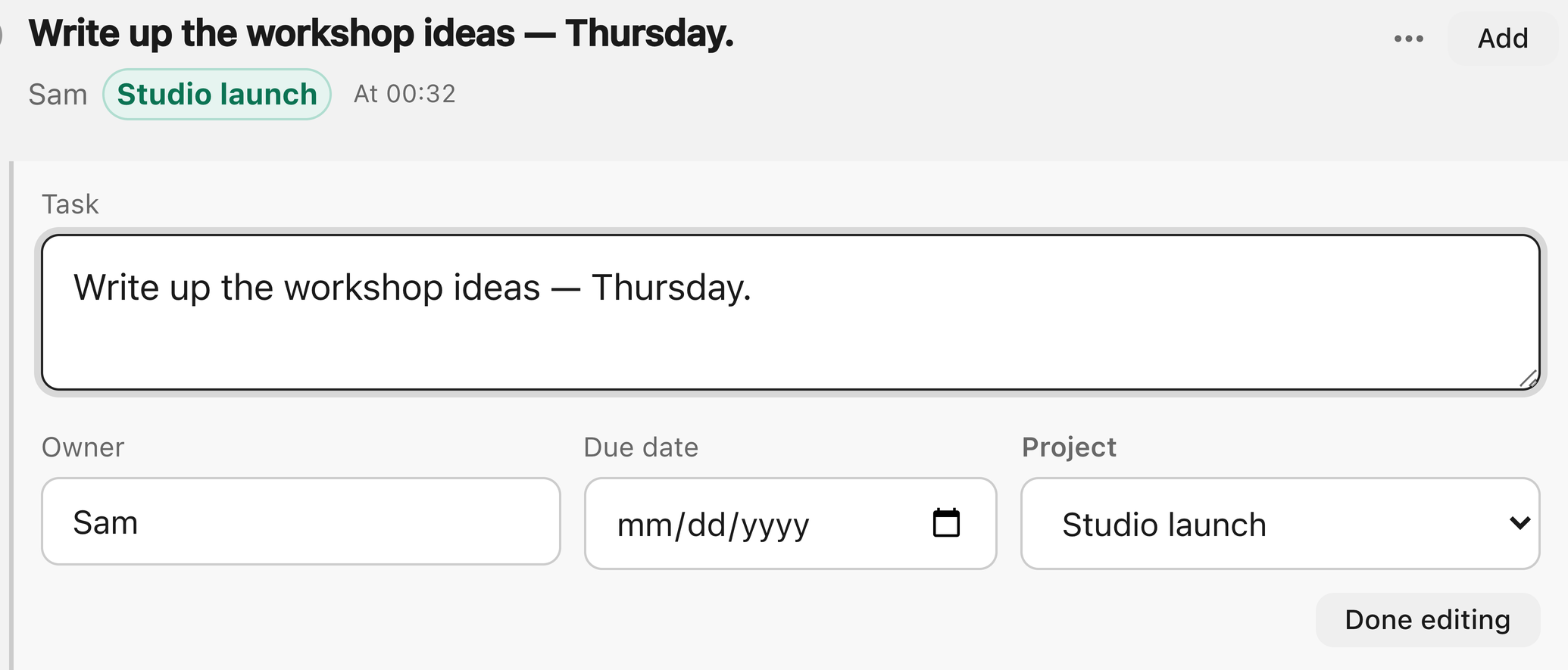
Swipe or use arrow keys to explore the window.
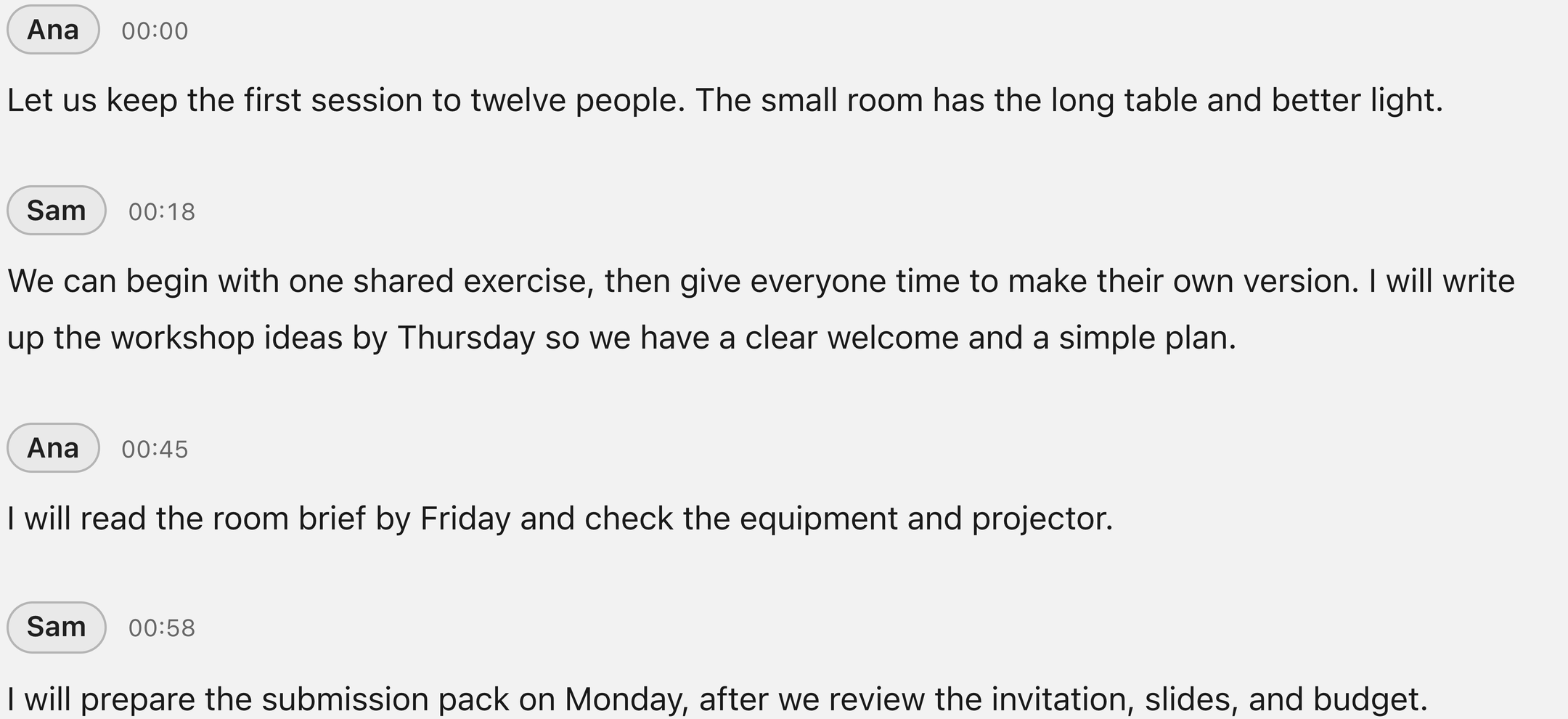
Check the source of a follow-up
Speaker names and timestamps help you review the words behind a suggested task. Review speaker labels when speech overlaps.
How it works
- Start recording
Choose microphone audio and, on supported macOS builds, one meeting app such as Zoom, Google Meet, Teams, or Webex.
- Review the transcript
Review the transcript and available speaker labels. Check detected dates, people, and projects before using the suggestions.
- Edit the summary
Choose a Template and adjust its sections, detail level, and focus topics. Save a personal template or project default.
- Keep the follow-ups
Review task owners and dates, confirm Calendar events, and save useful decisions or risks to a project.
What's included
- Local transcription and speaker labels from supported meeting apps
- Summary templates with per-project defaults, sections, detail level, and topics
- Reviewed action items with owner, due date, and project
- Mentioned dates reviewed before adding them to Calendar
- Files and saved pages linked to transcript timestamps
- Project decisions and risks kept from the conversation
- Previous linked meetings and their outstanding tasks before the next call
- Passage corrections, speaker renaming, and refreshed summaries
- Copy or export meeting notes as text or Markdown, a plain text note format
- Dictation into the active app on macOS, with spoken history in My Saves
Good to know
- Call audio needs macOS 13 or later. Otherwise Spillit records your microphone.
- Overlapping speech, shared devices and unrelated browser audio can produce incorrect speaker labels.
Often used for this
Granola
Granola captures microphone audio and meeting audio from the computer. Transcription and AI summaries use cloud processing.
With Spillit
Spillit transcribes and summarizes on your computer. It saves action items with their owner, date, and project. Open them with the project notes, files, and tasks.
See the full comparisonNext