

Video editor
Find the passage.
Keep the clip.
Find a passage, review its captions, and save the part of the video you need.
Find the passage and make the cut
Swipe or use arrow keys to explore the window.
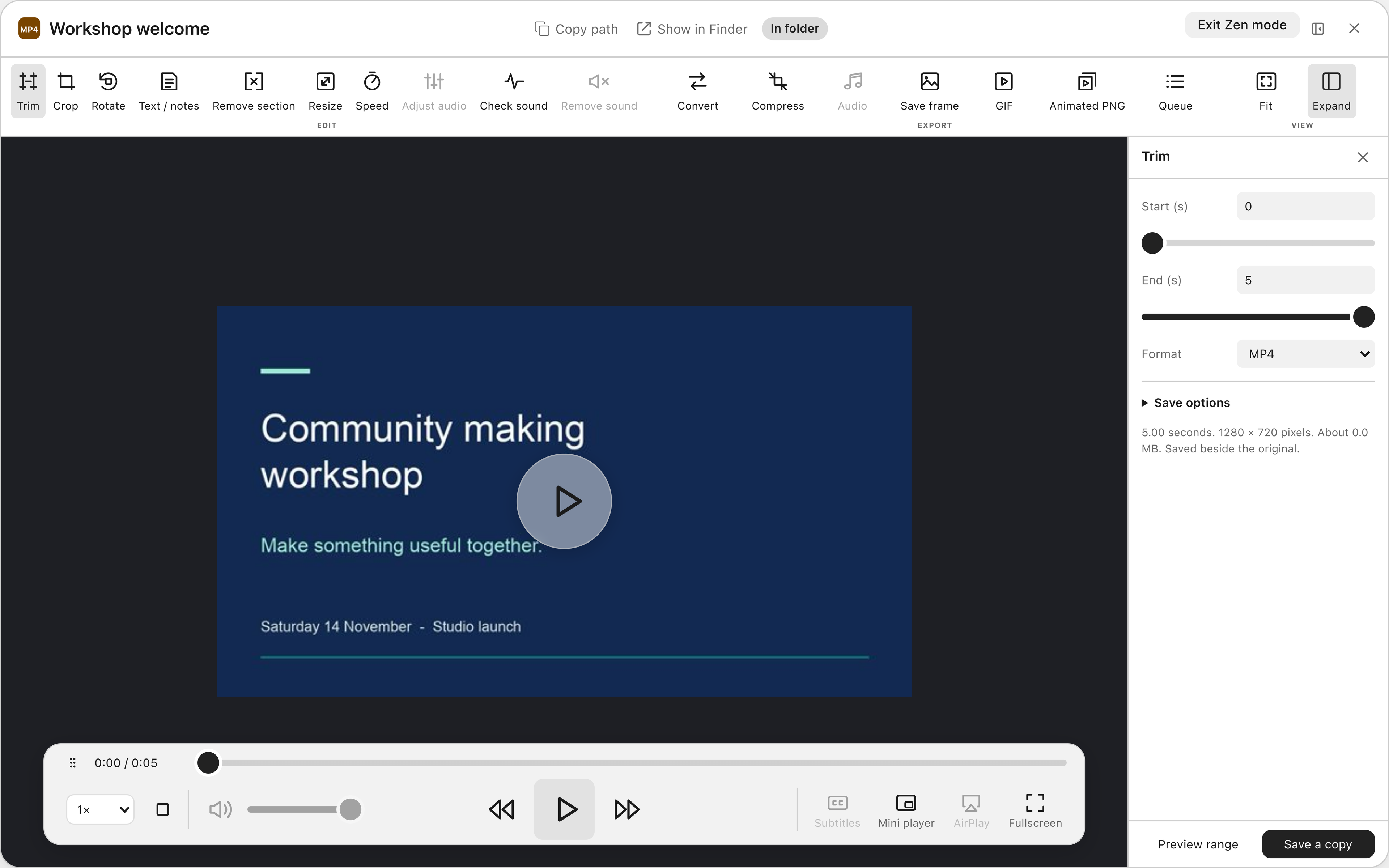
Search a video transcript, adjust the passage times, then trim or crop the clip and choose an output format.
- Search transcript passages
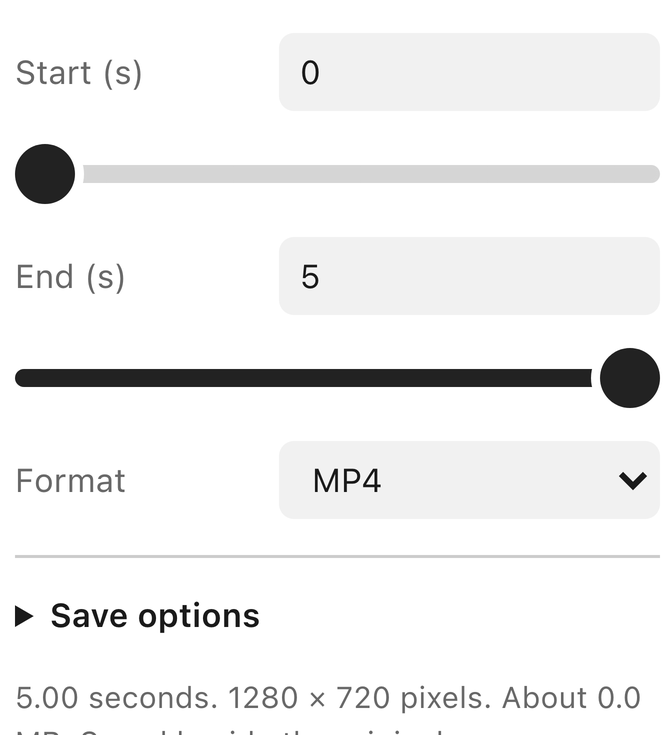
- Set clip start and end
- Trim, crop, or rotate
- Export video, a GIF, or a frame
Use saved video text in your writing
Swipe or use arrow keys to explore the window.
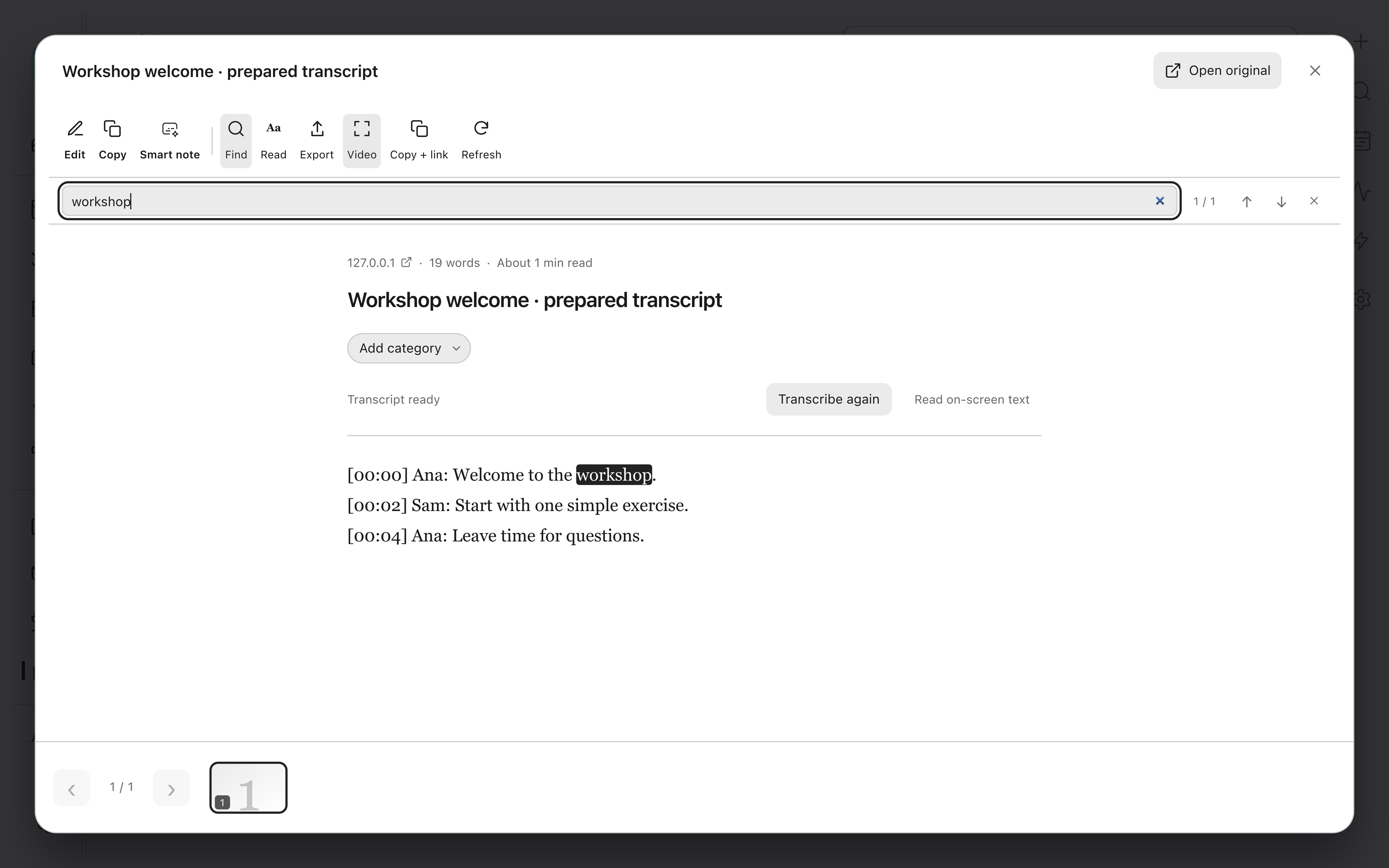
Search video transcripts in My Saves. Copy the whole transcript with its link, create a Smart Note, or export it.
- Find text in a saved video
- Copy the transcript with its link
- Send a transcript to Smart Notes
- Export DOCX, PDF, or Markdown

Details and compatibility
More app views
Find a passage and keep the clip.
Swipe or use arrow keys to explore the window.
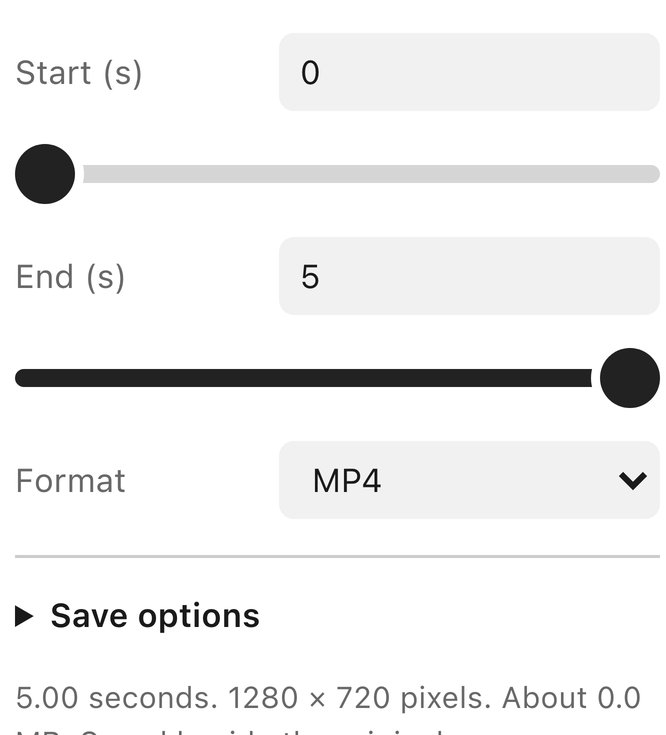
Review the cut before saving
Choose the start, end, and output format. Save a copy to keep the original video.
How it works
- Open the video
Open a supported video in the editor.
- Find the moment
Search the spoken transcript, then select the passage you want to turn into a clip.
- Make the edit
Trim, crop, rotate, or join clips. Adjust supported picture, sound, and caption settings.
- Export or reuse
Export the video, a GIF, its audio, or a still frame. Save processing settings for other videos.
What's included
- Trimming, cropping, rotation, and joining clips
- Transcript passages saved as clips
- Transcript corrections and caption editing
- Subtitle files loaded and exported in supported formats
- Supported picture and sound adjustments
- Video, GIF, audio, and still-frame exports
- Saved processing settings
- Video conversion queues
- Watched video folders with saved settings and Pause or Resume
Good to know
- Review recognized text, captions, and exported media before using them.
- Available editing and export options depend on the source file.
- Some passage clips require conversion to MP4 before they can be saved.
Next