

Put a saved place on your trip
You are planning a trip and want to fit a café someone recommended into one of the days, alongside plans you already have.
A place with a day in the itinerary
A nearby saved place can go on a dated day or stay under Anytime.
See the resultBefore and after
Before
- The recommendation is separate from your dates and bookings.
- You need to check the location before giving it a place in the day.
After A place with a day in the itinerary
- A nearby saved place can go on a dated day or stay under Anytime.
- The day planner keeps stops alongside your existing activities and documents.
Step by step
How Spillit solves it
Keep scrolling. The screen and the guide follow you.Swipe or tap the screen, or keep scrolling.



Step 1 of 4
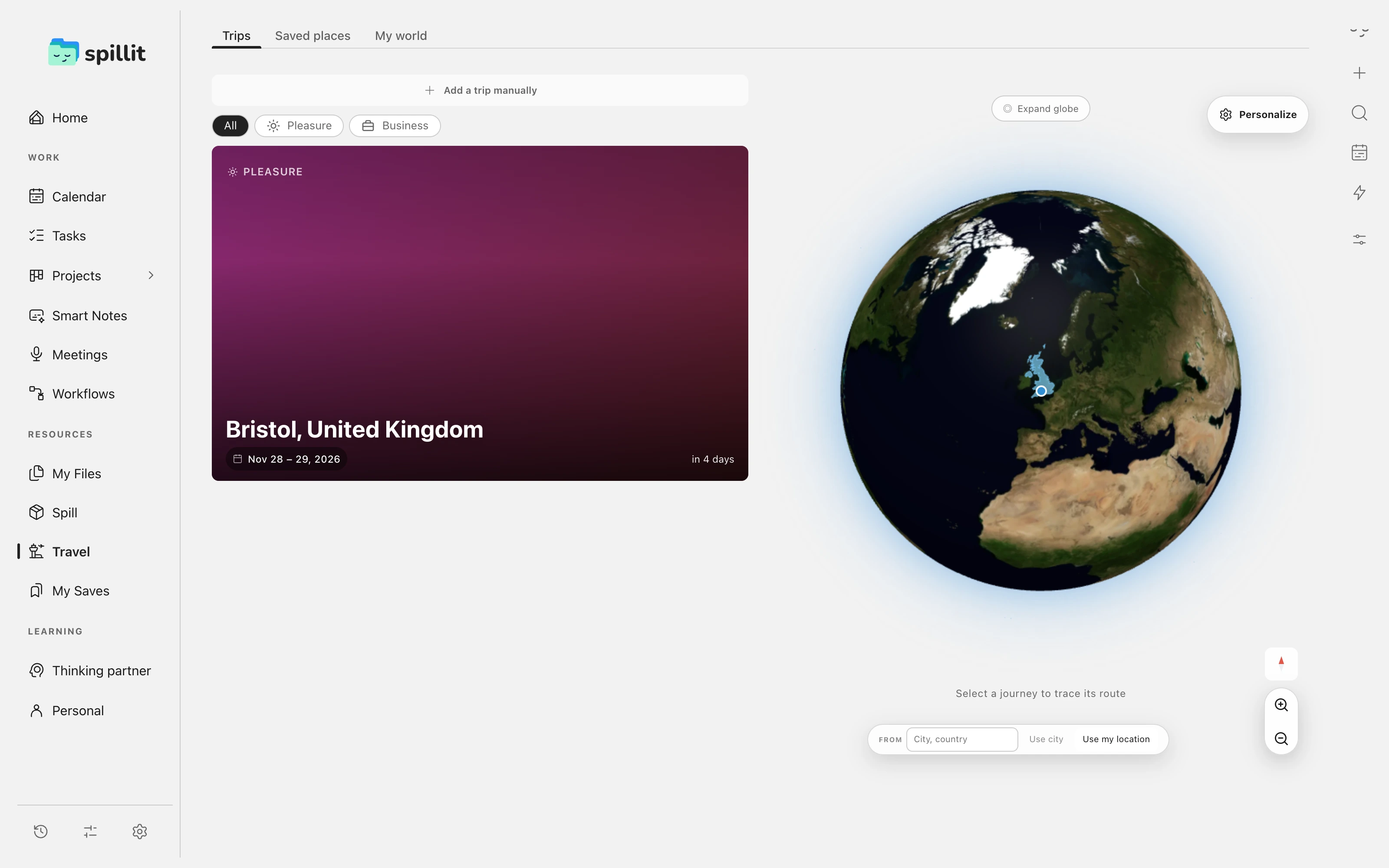
Open the Bristol trip
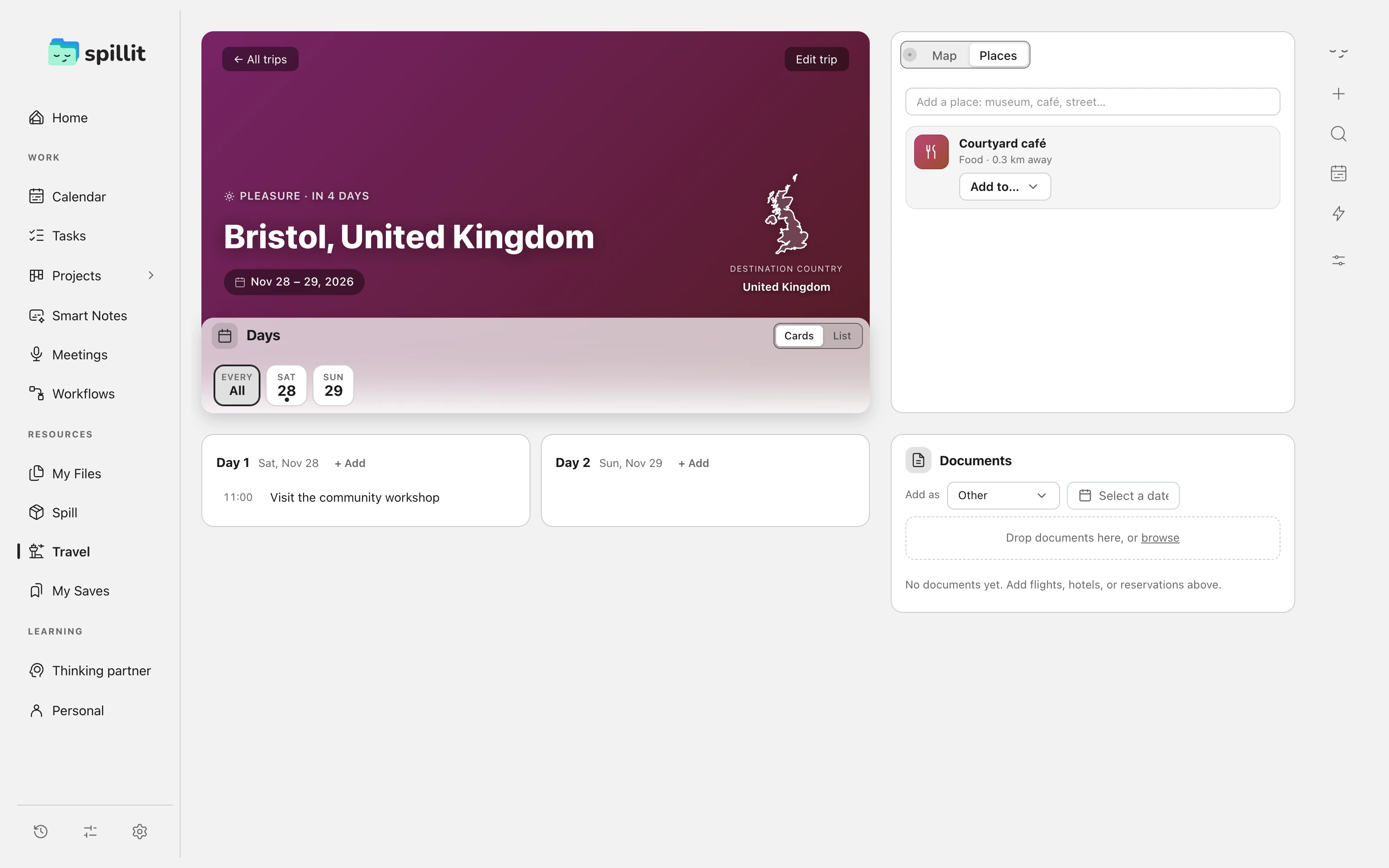
In Travel, open the Bristol trip for November 28–29. The weekend starts with a visit to the community workshop on Saturday.
Step 2 of 4
Find the saved café in Places
Choose Places beside Map. Find Courtyard café in the saved places near Bristol. It’s a fictional stop prepared for this example.
Step 3 of 4
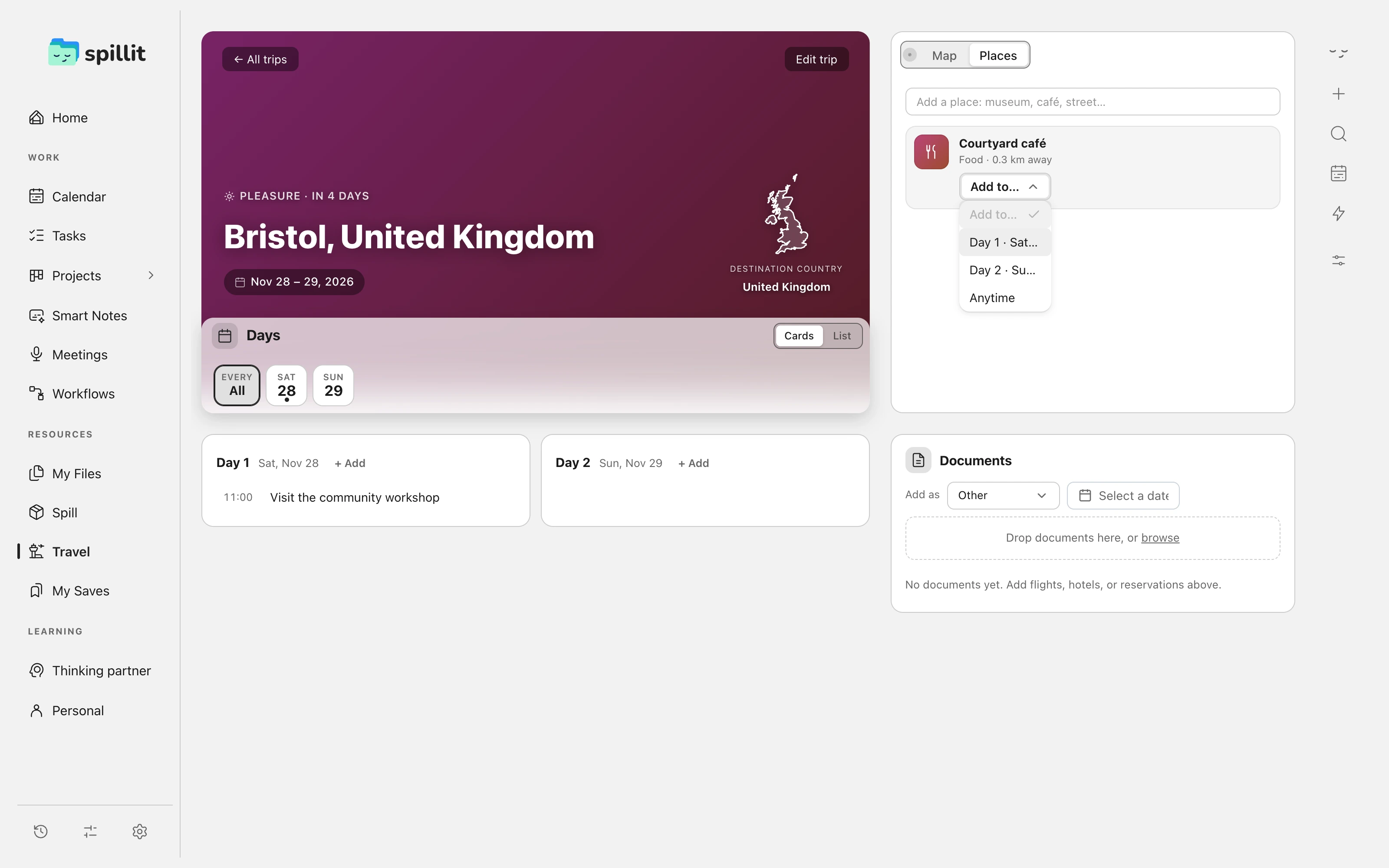
Add the café to Saturday
On Courtyard café, open Add to… and select Day 1, Saturday, November 28. Choose Anytime if you haven’t picked a day yet.
Step 4 of 4
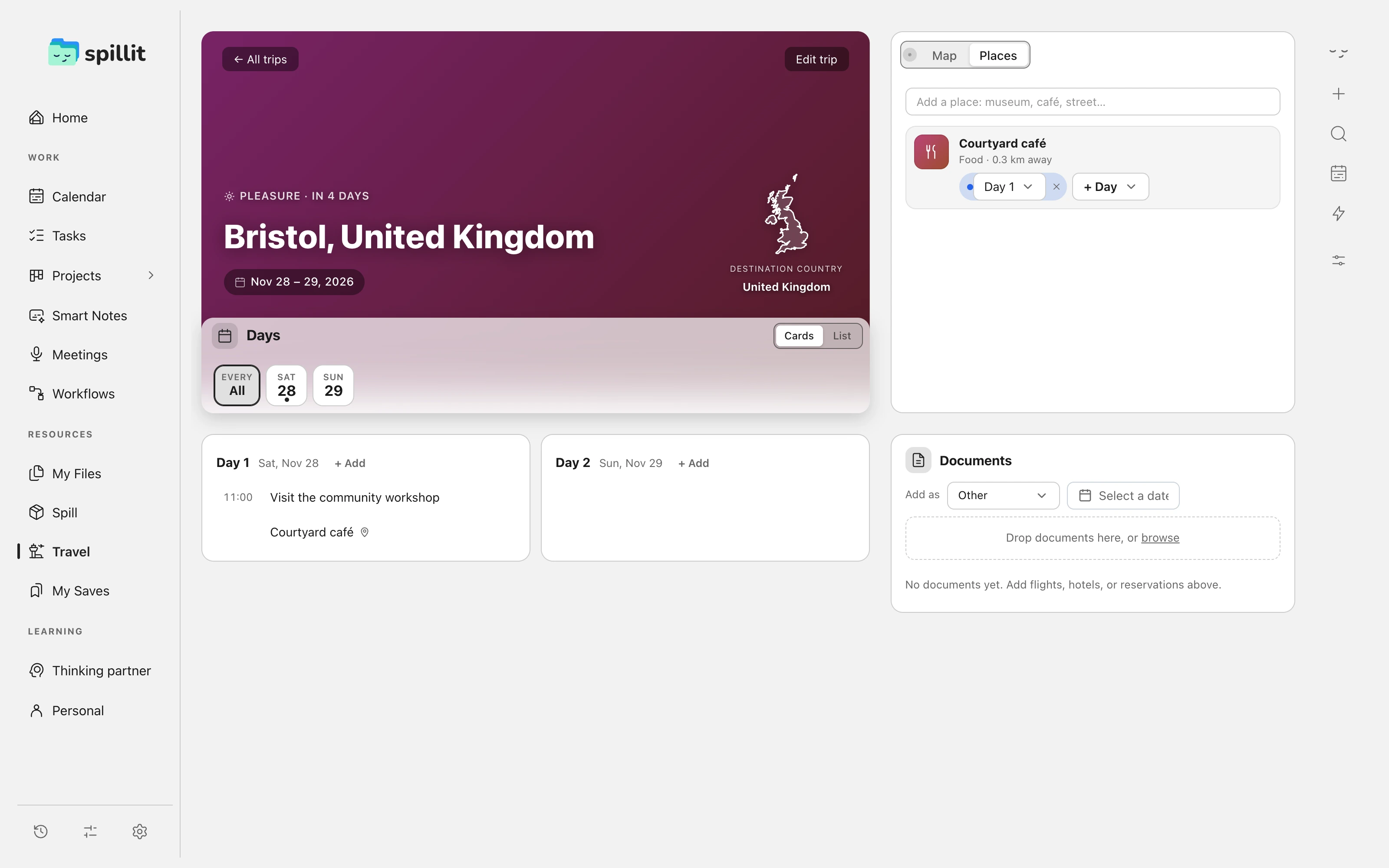
Check the stop in the itinerary
Courtyard café now appears under Day 1 alongside the community workshop. You can open the café entry to give it a time.
Try the example
Place the café on Saturday and keep it easy to move if plans change.
- Open Places beside the map and confirm that the saved café belongs to the trip’s destination.
- Use Add to… and choose Saturday. Use Anytime if you have yet to pick the day.
- Check Saturday in the itinerary. Open the activity later to set a time when the rest of the day is settled.
Check your result
Courtyard café appears under Day 1 beside the community workshop.