

Choose writing help for a workshop note
You have a workshop plan with an introductory paragraph worth tightening. Keep the note open and choose the amount of text you want help with.
The right scope for a writing suggestion
The prepared note shows different options for the whole note and for selected text.
See the resultBefore and after
Before
- A whole-note outline serves a different purpose from a rewrite of one paragraph.
- You need the original wording close by when considering a suggestion.
After The right scope for a writing suggestion
- The prepared note shows different options for the whole note and for selected text.
- The original passage remains available while you review any suggestion.
Step by step
How Spillit solves it
Keep scrolling. The screen and the guide follow you.Swipe or tap the screen, or keep scrolling.
Step 1 of 3
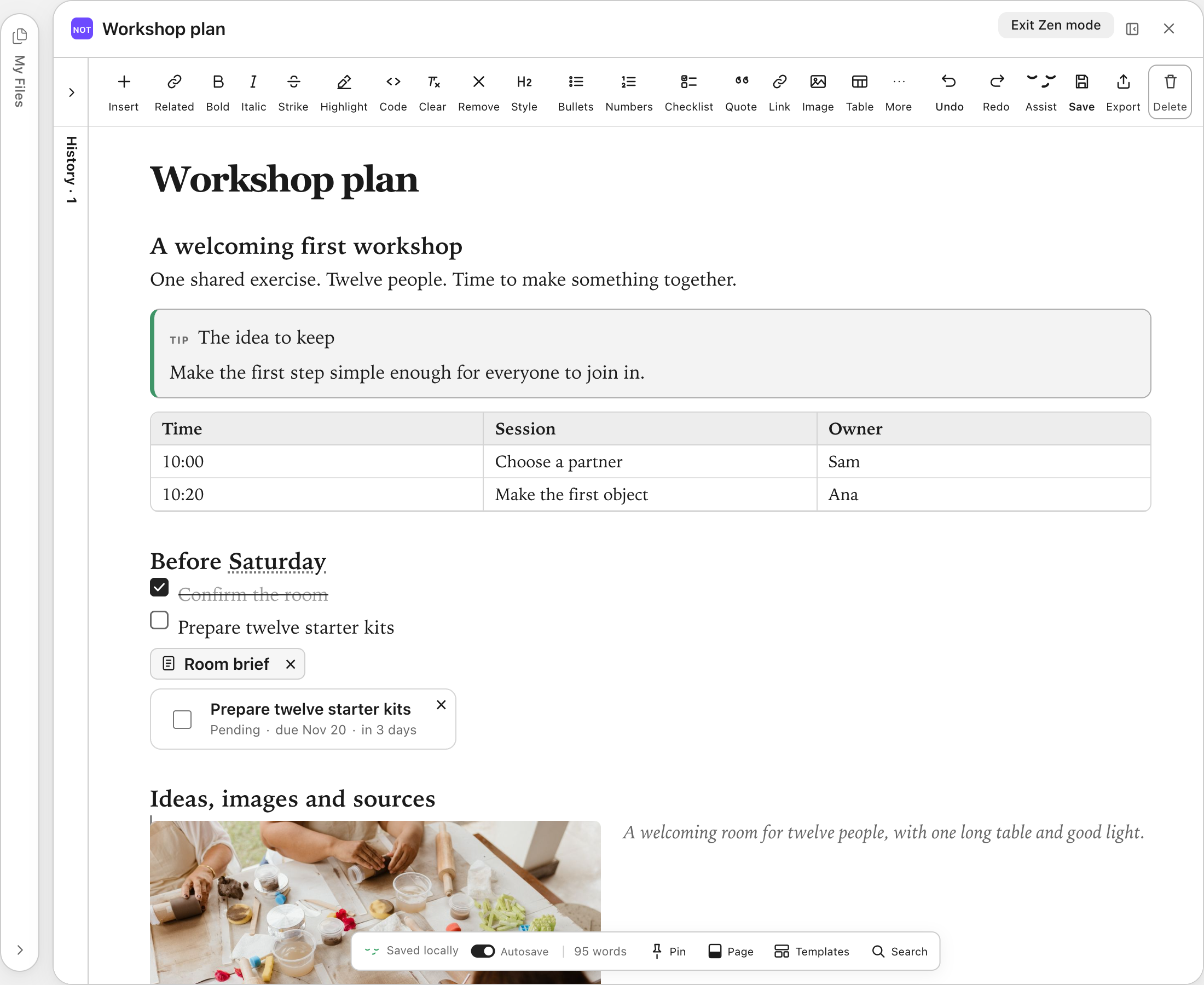
Open Workshop plan in Smart Notes
Find the introduction at the top. Read it once so you know which details the opening needs to preserve.
Step 2 of 3
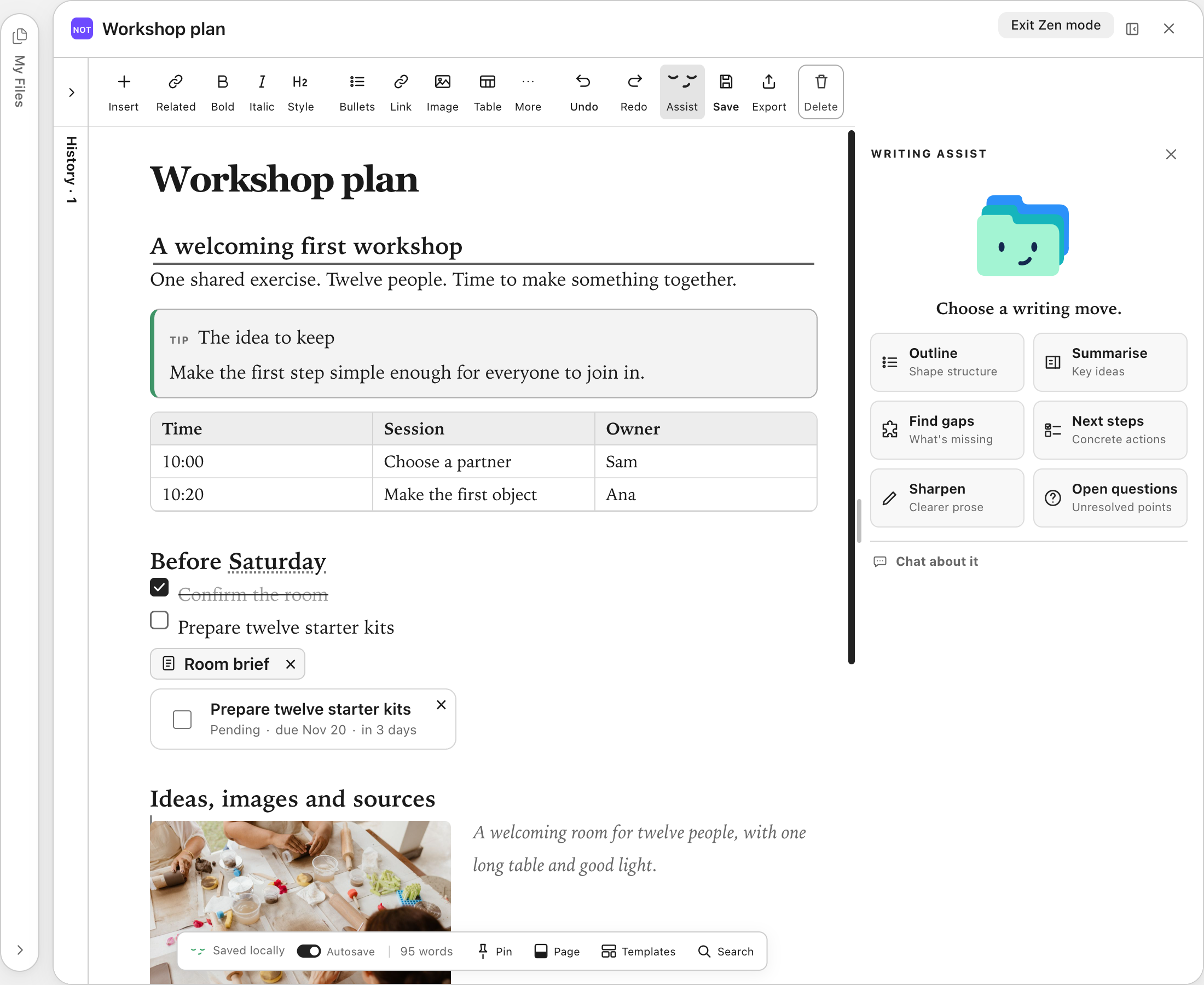
See the options for the whole note
Open Assist without a text selection to see options such as Outline and Summarise. These help when the note as a whole needs structure.
Step 3 of 3
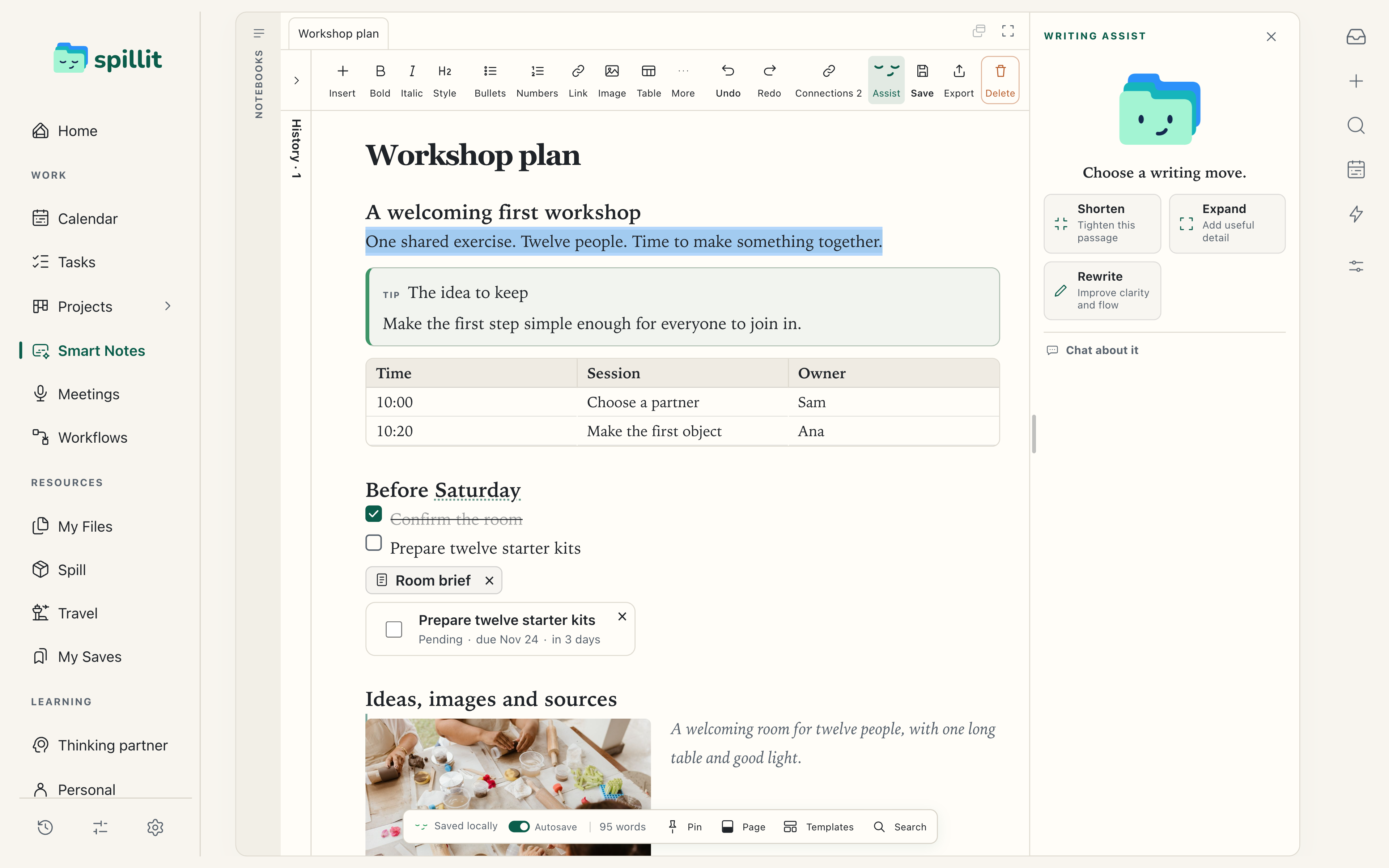
Choose Shorten for the opening paragraph
Select the introduction and choose Shorten in Assist. Review any suggestion against the original before replacing it. Check that the schedule and checklist are still there.
Try the example
Shorten the opening paragraph while keeping the workshop details people need.
- Read the original and mark the details to preserve. Select only the introduction.
- Open Assist and choose Shorten. Compare any suggestion with the source before replacing the selection.
- Keep the original if the suggestion drops a required detail. Check the checklist and schedule after accepting any change.
Check your result
A usable revision keeps the important workshop details and leaves the schedule and checklist in place.