
Export from the desktop app
Open Settings → Data & Safety and find Export my library.
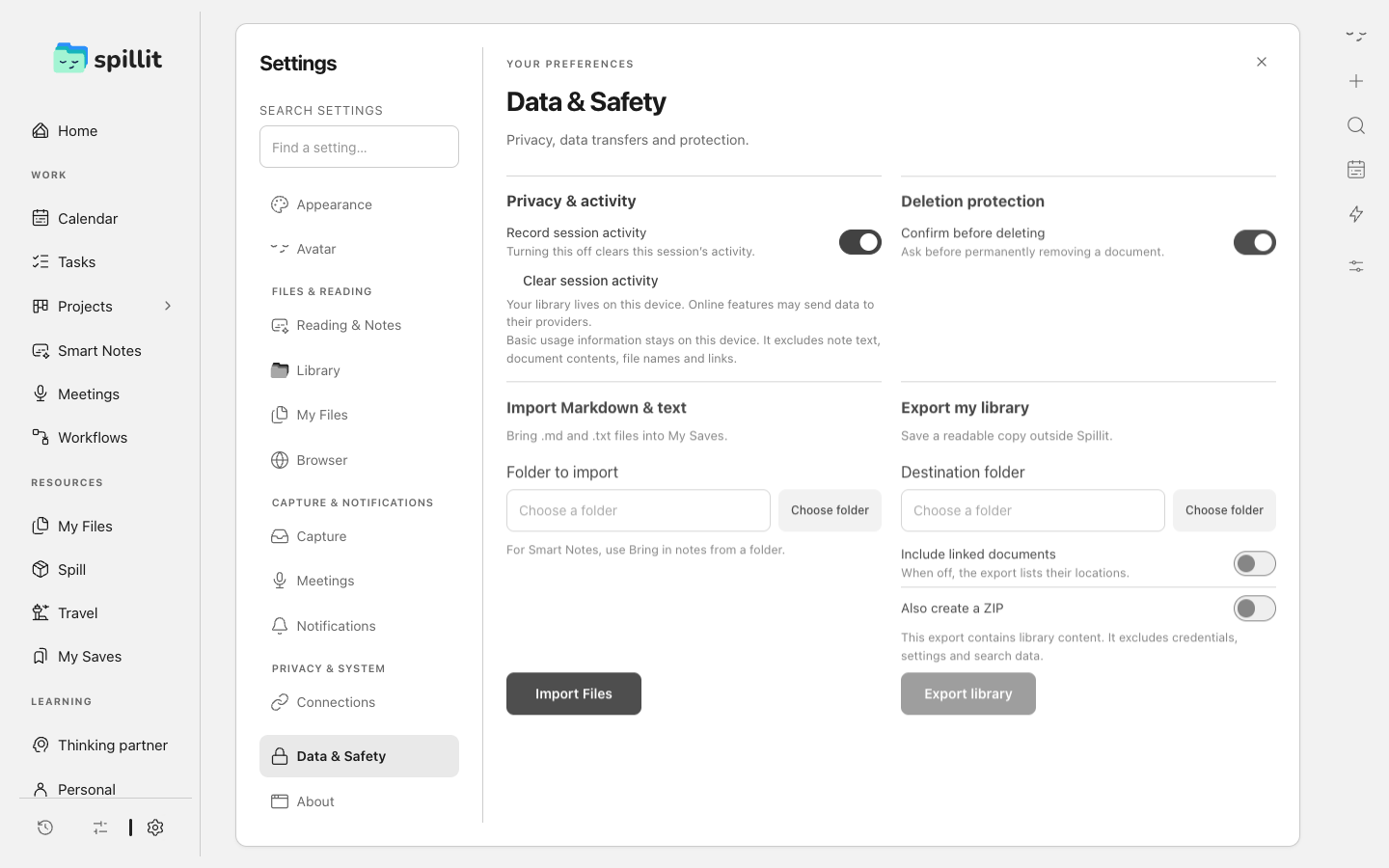
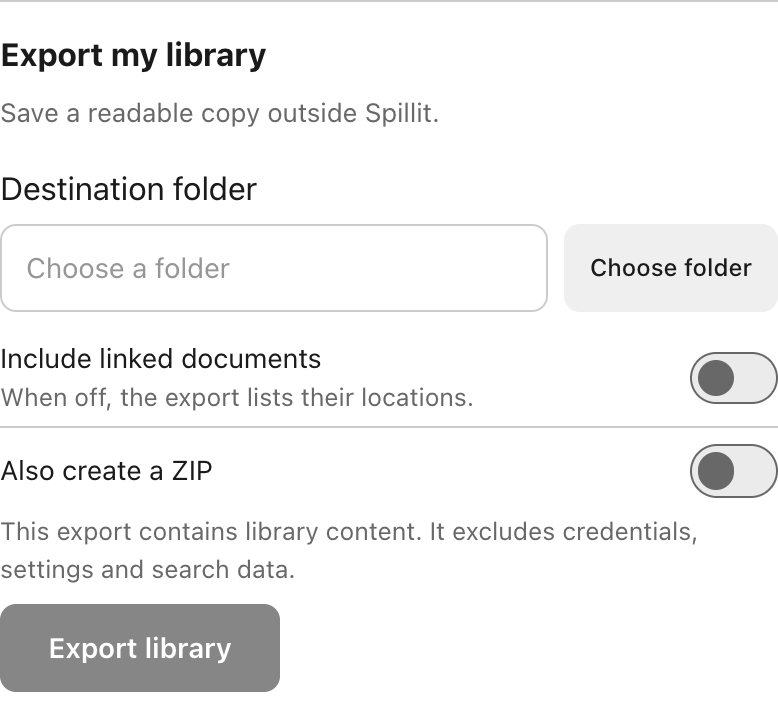
- Select a destination folder.
- Turn on Include linked documents if you want the files from linked folders copied into the export.
- Choose Also create a ZIP if you want the export bundled in one archive.
- Choose Export library and review the result for any missing files.
Keep a separate backup
The readable export contains library content and leaves out settings and sign-in details. For computer recovery, keep a system backup and a copy of your linked folders.
See export, backup, and sync options.
Choose what your copy should contain
- For a readable library copy, choose a destination you can find again and review the exported contents.
- If you also need files from linked folders, turn on Include linked documents and check the copied files.
- Choose Also create a ZIP if you want a single file you can move or archive.
Check the export before relying on it
Open the output folder and read a sample note or document. If you asked for a ZIP, open it and check the same sample inside.
If an expected linked file is missing, check its folder in My Files. Connect a removable drive if the original is stored there.
Was this article helpful?
Thanks. Glad it helped.
Thanks for telling us.Try the search, or the related topic in the sidebar.