
Prepare the handover
Open the Spill sharing tools and choose the files, notes, tasks, or other records the recipient needs. Add a handover note or useful next step.
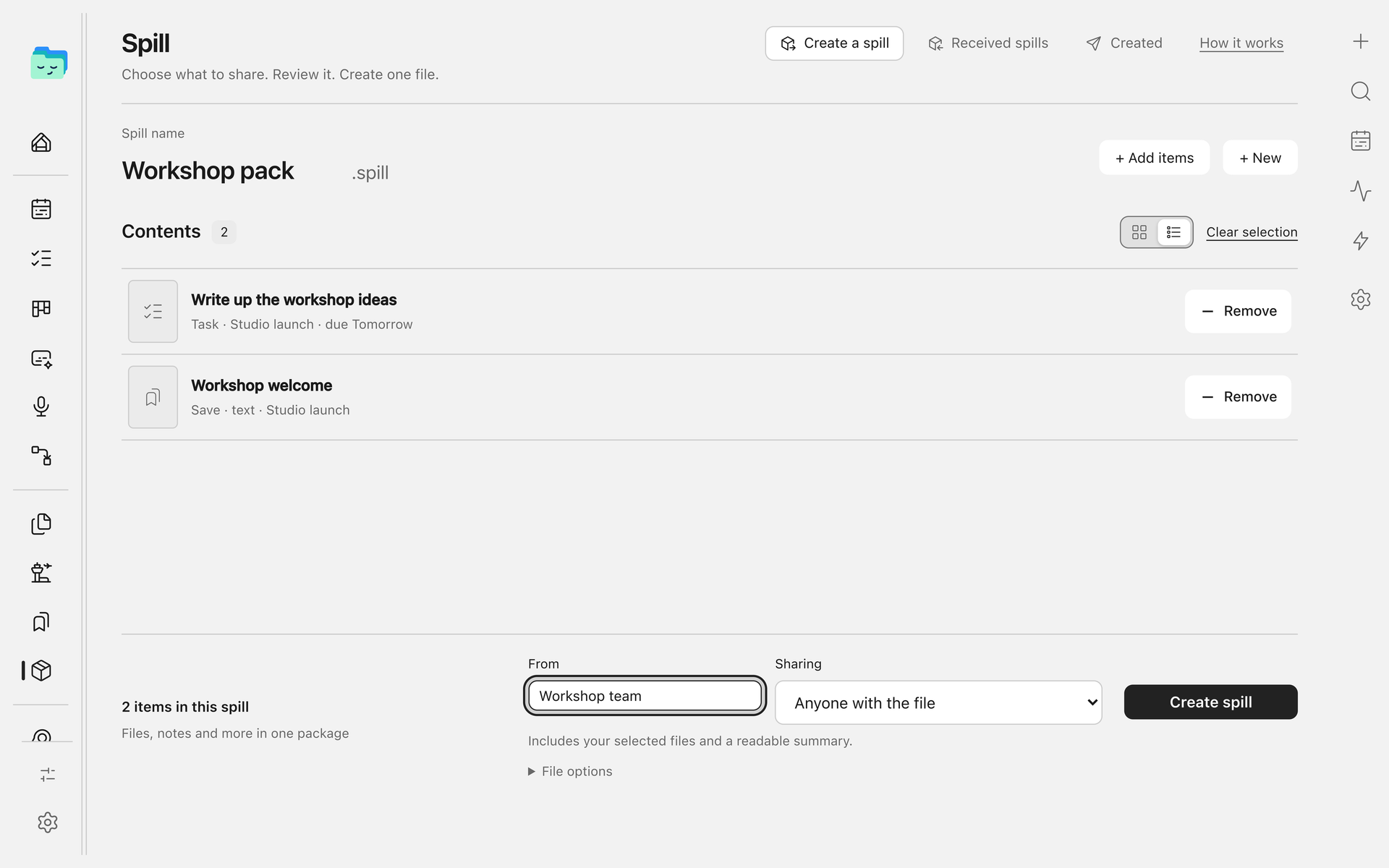
Use an open package when the recipient needs a readable ZIP. Use a password or a verified recipient’s sharing identity when the package needs protection.
Open a received Spill
Preview the contents and choose the pieces to import. Protected packages require Spillit to open.
Check a package before sharing it. Open packages include readable files and context.
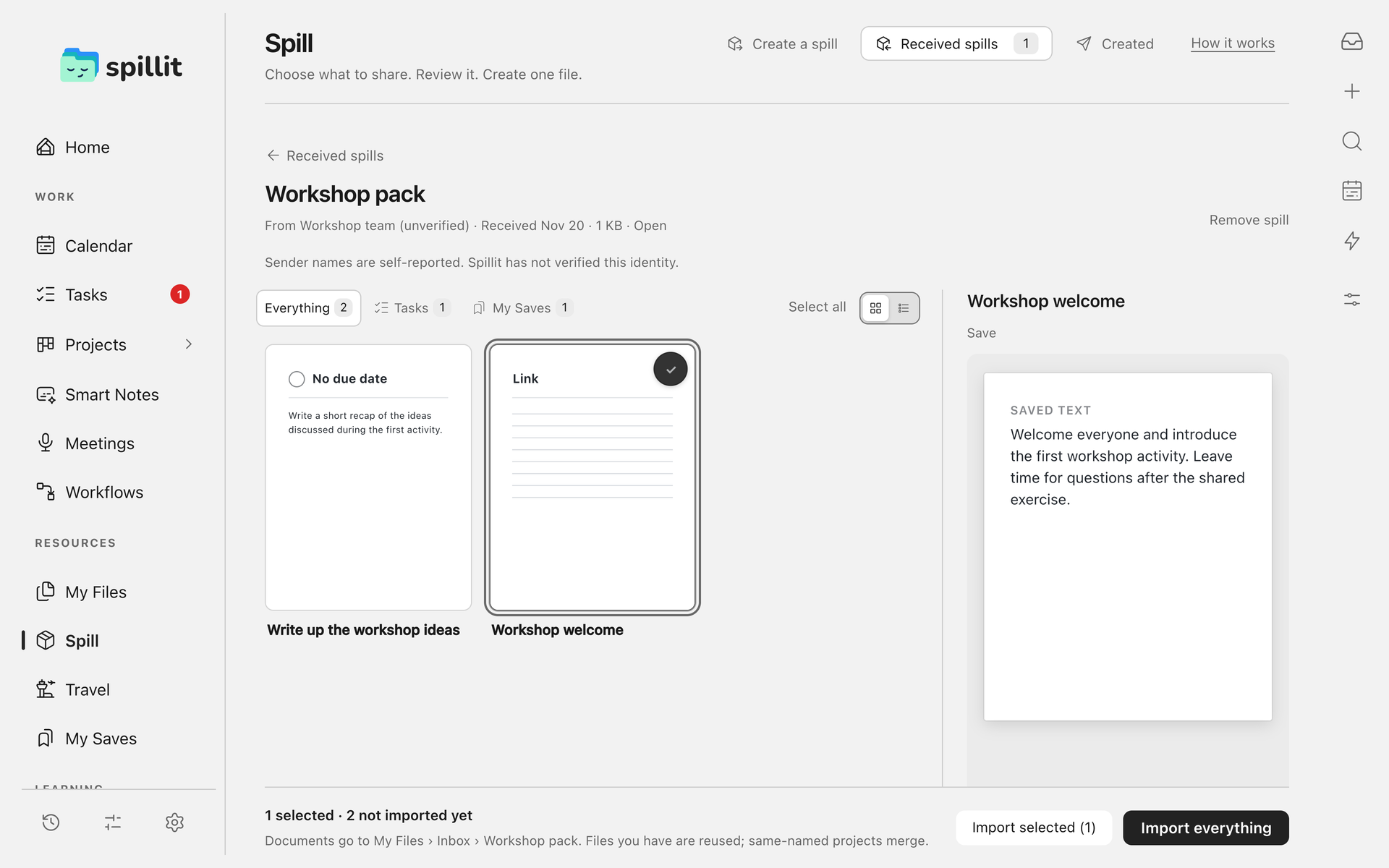
Select an item without importing the rest
- Open Spill → Received spills and choose the package.
- Select an item to check its preview before keeping it.
- Mark the items you want. Check the selection count before continuing.
- Choose Import selected to bring over only those items.
For example, you can keep a welcome note while leaving a workshop task in the package for later.

Check where the imported item went
Look for a saved item in My Saves. The preview also shows where included documents will go in My Files.
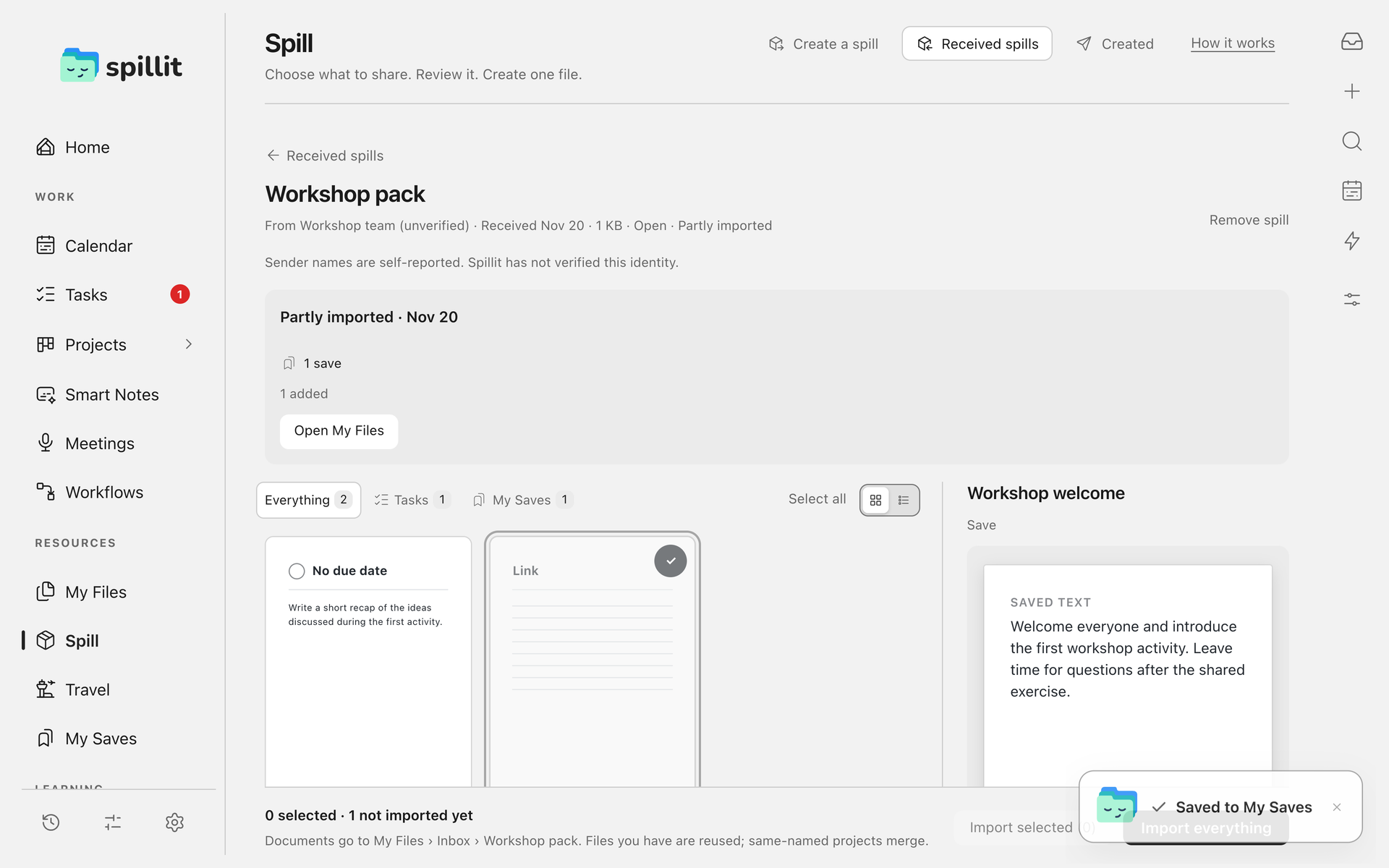
An open package can show a sender name supplied by the sender. Treat it as unverified when the package says so.
Was this article helpful?
Thanks. Glad it helped.
Thanks for telling us.Try the search, or the related topic in the sidebar.