
Use Tasks to capture what needs doing and see what you can start. Add a project, owner, or date when it helps you decide what to do next.
Set up the task
- Open Tasks → New task.
- Enter the next action in What needs doing? Choose a Date when the task is due.
- Open More to set Owner, Project, Estimate (minutes), Priority, or Repeat.
- If the task needs something first, choose Another task or External requirement under Waiting on. Select the task or name the requirement.
- Select Add task.
For example, set “Print workshop invitations” to wait on “Approve invitation copy.” Use External requirement if the approval is outside Spillit.
Pick a view
| View | Use it to |
|---|---|
| List | Find or group tasks by date, project, priority, or status. |
| Board | Move work between Pending, In progress, and Done. Drag a card or use its status control. |
| Plan | Place a task into a specific time on your calendar. |
A task’s Date tells you when it is due. Follow Schedule tasks and events to reserve time to work on it.
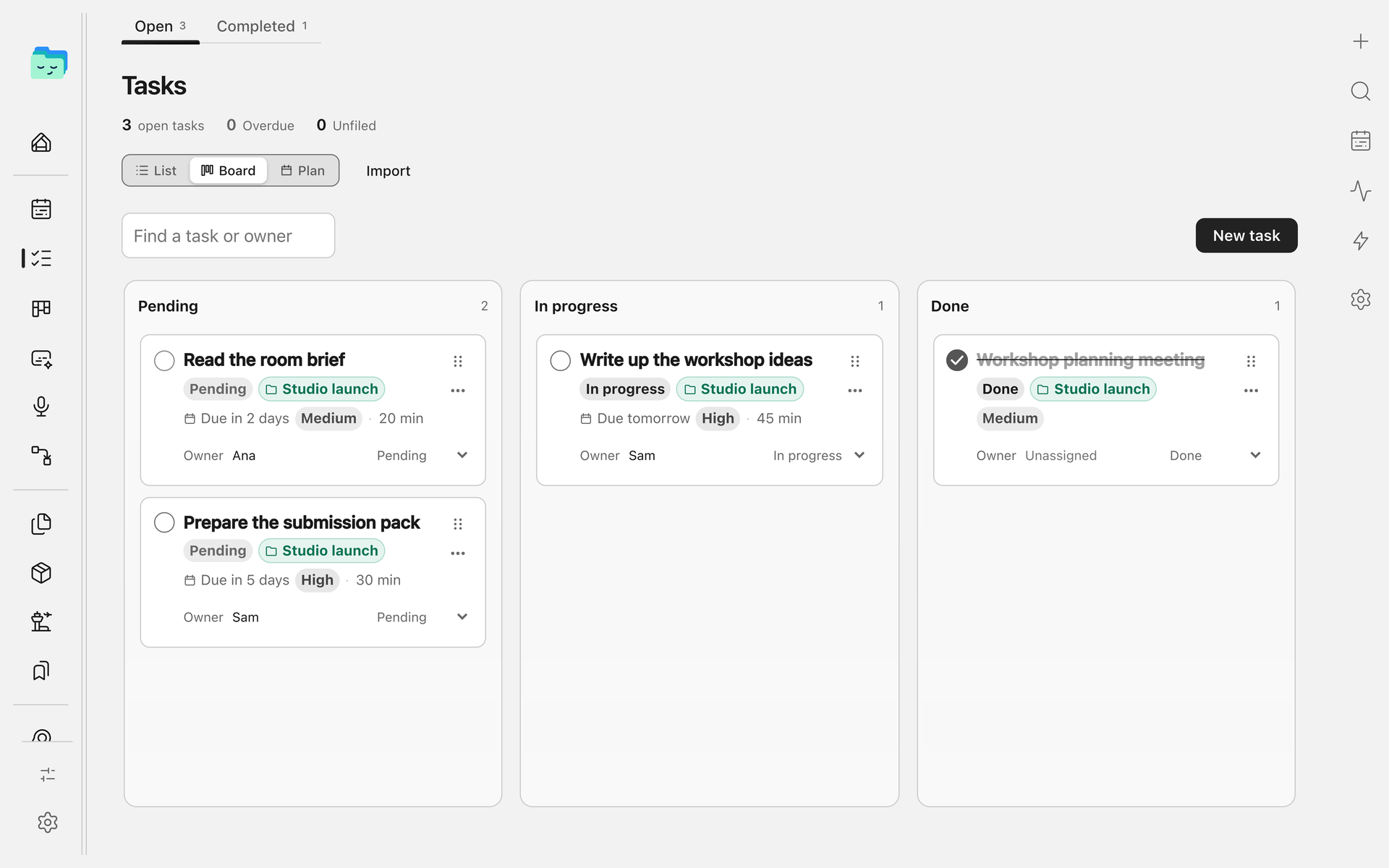
Repeat a task
Set Repeat to the interval you need. For a Friday workshop check, choose Weekly and set the first due date to a Friday.
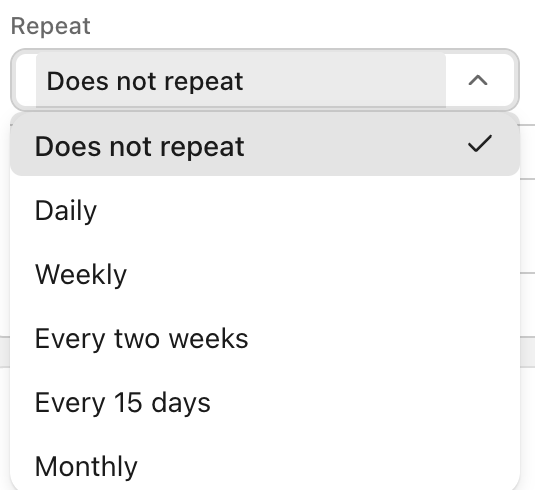
When you mark that occurrence Done, Spillit creates the next one. If you finish it late, Spillit calculates the next date from today.
Find or unblock a task
- Open Completed to find work already marked Done.
- Clear your search and check the selected project if an open task is missing.
- If outside approval arrives, edit the task and select Nothing, ready to start under Waiting on. If it depends on another task, complete that task first.
Was this article helpful?
Thanks. Glad it helped.
Thanks for telling us.Try the search, or the related topic in the sidebar.