
Check the file and folder
- Look for the file in your computer’s file manager. Connect the drive if it is stored on a removable one.
- Open My Files and check that its folder is linked. Use Choose folder if you need to link it.
- Try searching by a short part of the filename.
Refresh the search index
If the file opens but a search for its contents finds nothing, refresh search in Spillit and retry. Content search covers supported, indexed files.
If the file itself is gone, follow Recover a missing or deleted file.
Search by name and then by content
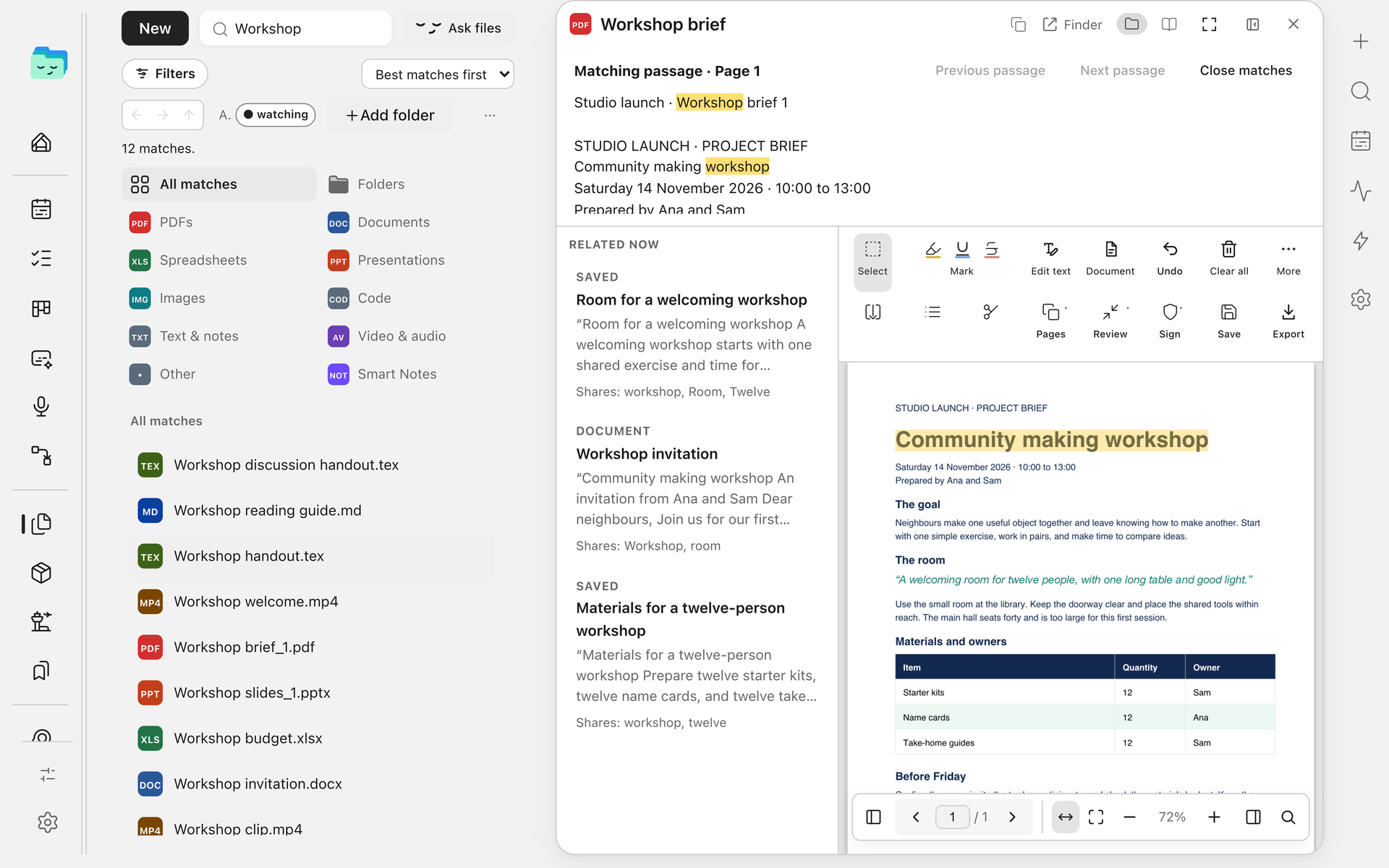
Try a short filename first. If you can find and open the file, search for a distinctive word you can see in it.
A scanned PDF may contain an image of the text. Use Extract text from a scan to check whether you can make it searchable.
If the same word appears in several files, open the matching passage and check the document identity before editing.
Was this article helpful?
Thanks. Glad it helped.
Thanks for telling us.Try the search, or the related topic in the sidebar.