
Download for your device
- Open Download Spillit.
- Choose Windows, macOS, iPhone & iPad, or Android.
- Use the download or store button if it appears. If the page says Coming soon, check launch status.
Open your first workspace
On the desktop welcome screen, choose Start using Spillit to enter the app or Set up Spillit to follow guided setup.
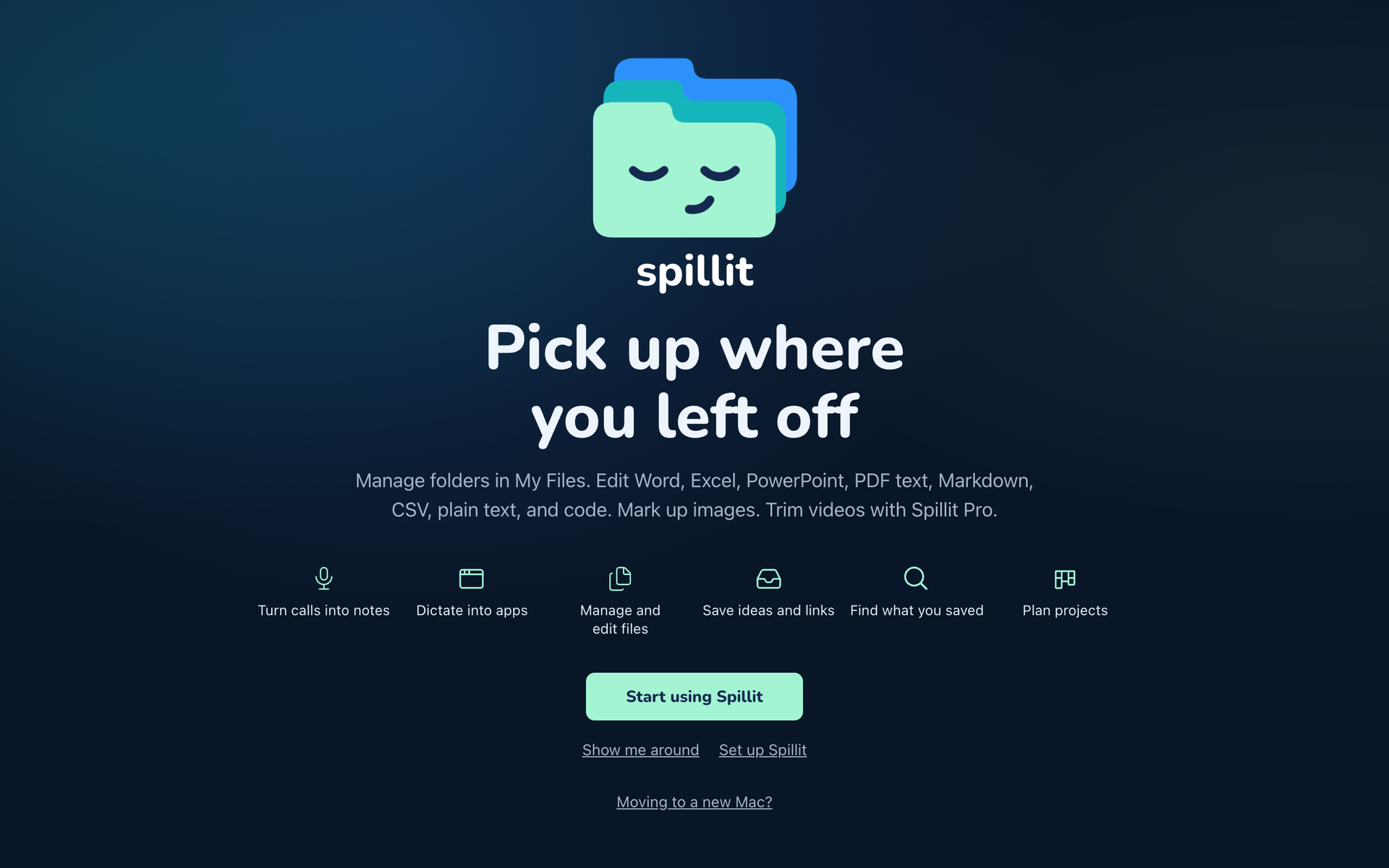
The desktop setup guide follows the macOS interface. Open Link a folder to work with files you already have.
Was this article helpful?
Thanks. Glad it helped.
Thanks for telling us.Try the search, or the related topic in the sidebar.