
Record your finances
Open My Finances to enter account or portfolio values, income, recurring costs, or subscriptions. Add supporting notes or payment documents when they help you understand the record.
Review the information you entered before using a total. The totals reflect the records you keep in Spillit.
Watch a product price
Save a supported product page to your wishlist. Set a target price and a review interval when those controls are available.
Checks require a network connection while the desktop app runs. Open the seller’s page to confirm the current price.
Add a recurring subscription
Open Subscriptions in My Finances. Record the amount, billing interval, and next renewal date for the subscription you want to track.
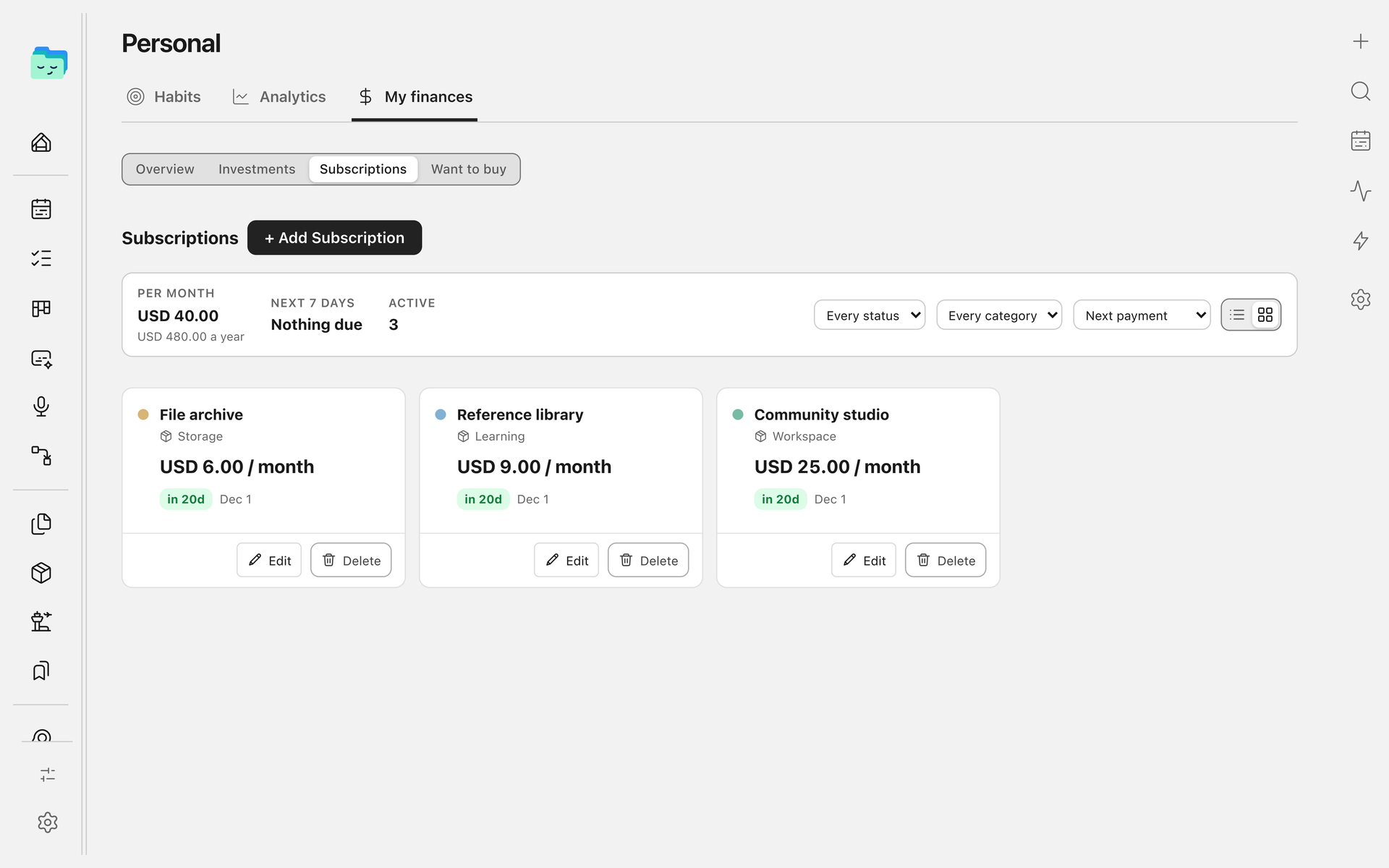
For example, enter a yearly renewal as yearly rather than monthly. Check the next renewal date against the invoice before relying on the reminder information.
When a service changes its price, update the amount in your manual record.
Was this article helpful?
Thanks. Glad it helped.
Thanks for telling us.Try the search, or the related topic in the sidebar.