
Open the task importer
In Tasks, open Task options and choose Import tasks. From an empty list, choose Bring tasks from another app.
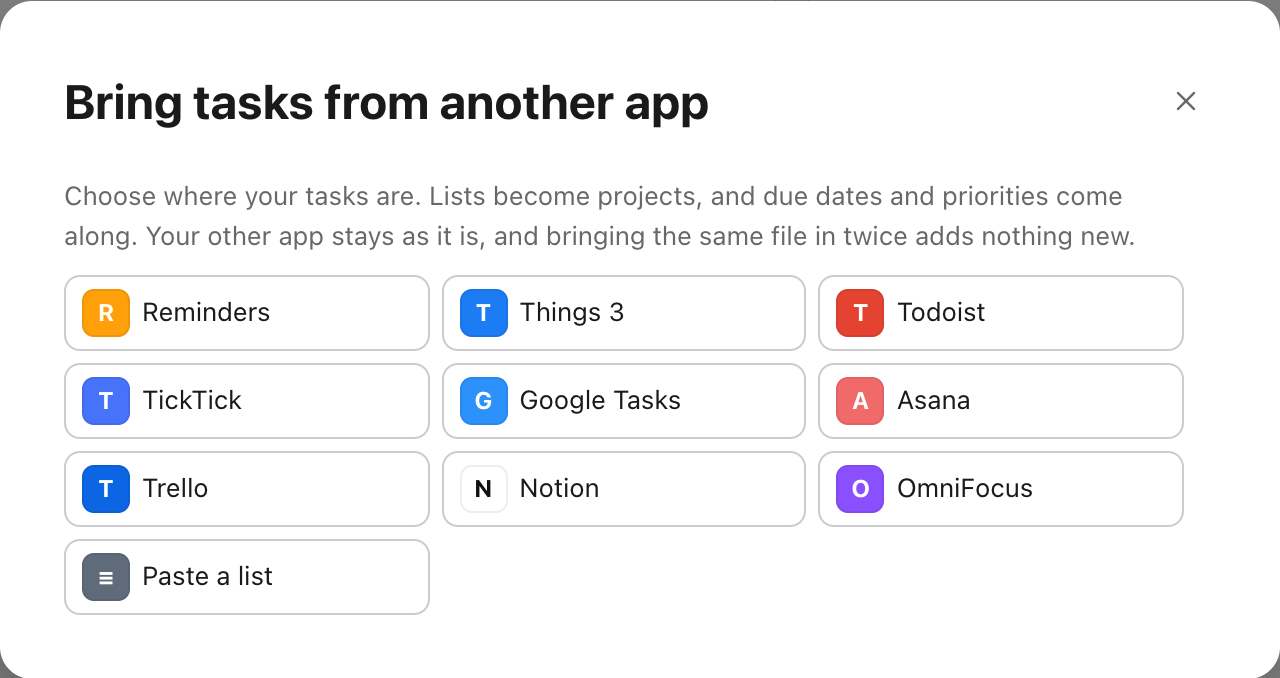
Choose a source
- Reminders: On Mac, grant access when prompted. Choose the lists to bring in as projects.
- Things 3: On Mac, choose Things 3 to copy open to-dos into their projects or areas.
- Todoist: Export your project template as CSV, a plain-text table. Select the file in Spillit.
- Pasted list: Paste one task per line. Start a line with a
#to name the project for the tasks below it.
Review the imported names and project assignments in Tasks.
Try a short pasted list
Choose Paste a list and start with a project heading and a few lines.
# Workshop
Send the venue brief
Print the name tags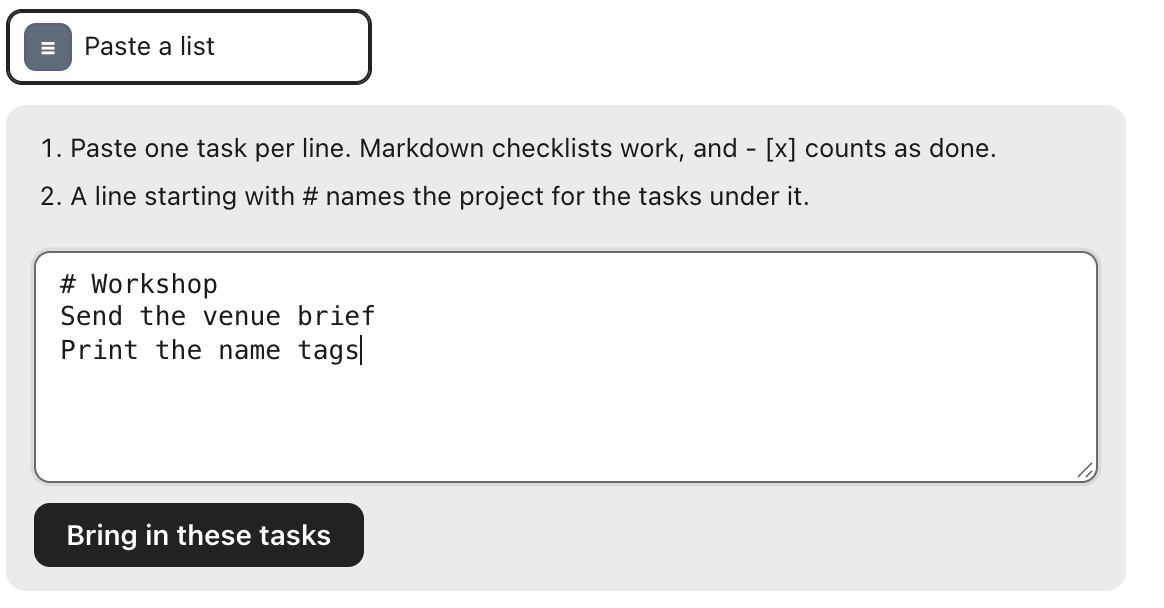
Choose Bring in these tasks. Check that Workshop has both tasks after importing. Add dates and priorities as needed once you see the tasks in Spillit.
Was this article helpful?
Thanks. Glad it helped.
Thanks for telling us.Try the search, or the related topic in the sidebar.