
Use Log time when you want to record how long work actually took.
Log time on a task
- Open Tasks, find the task, and open its row menu.
- Choose Log time.
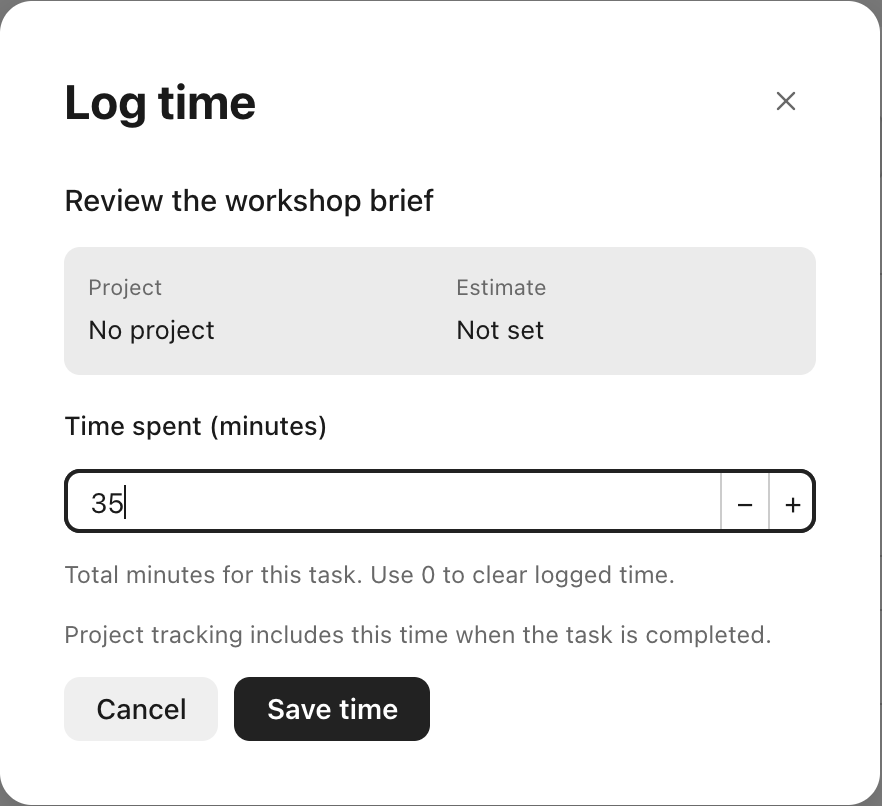
- Enter Time spent (minutes) and choose Save time.
Enter the total for the task. For example, if you saved 20 minutes yesterday and spent 15 more today, enter 35. Use 0 to clear the total.
Review your time
Open Tracking → Analytics and check Work & time. Project time includes logged minutes for completed tasks. If time is missing, check that you saved it on the right task and marked that task Done.
Was this article helpful?
Thanks. Glad it helped.
Thanks for telling us.Try the search, or the related topic in the sidebar.